.png)
QUESTION: This E-WIP notification reappears every day when I open Acumin since the end of last month, and I can’t seem to get rid of it. It comes up as “un-read” and I’ve changed it to “read”… I can’t delete it.
Can you point us in the right direction so this message clears?
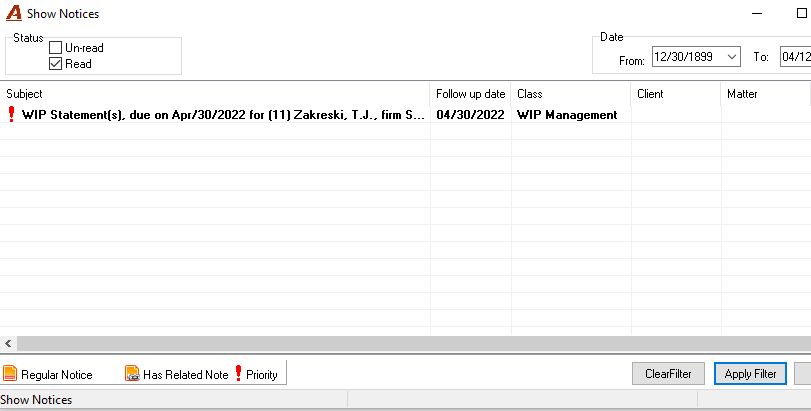
RESPONSE: The E-WIP notification will clear automatically when all matters in the person's E-WIP (to-bill tab) list has a billing intention other than not classified or an invoice. This is gentle reminder that there are matters where an action has not been taken.