.png)
To optimize performance in Acumin, depending on form and form functionality, we strive to find an optimum balance between yielding an accurate response within a desirable time limit. In the case of WIP inquiry, a form that that is typically used by many users at the same time and often, with many filter options to accommodate multiple types of effective and timely inquiries; it is critical that we maintain the result list limited to a suitable number of records. For this reason, when the filter selection is set to <all> for Members, clients, matters, and code; the form will calculate the summary results only.
As an alternative Acumin offers two report options.
The Aged WIP Report: Use the “additional aged measures” sub-tab found in the “Additional” tab of the aged WIP filter form, to select the non-chargeable time and disbursement values to be included. You can use this sub-tab to exclude chargeable ones.
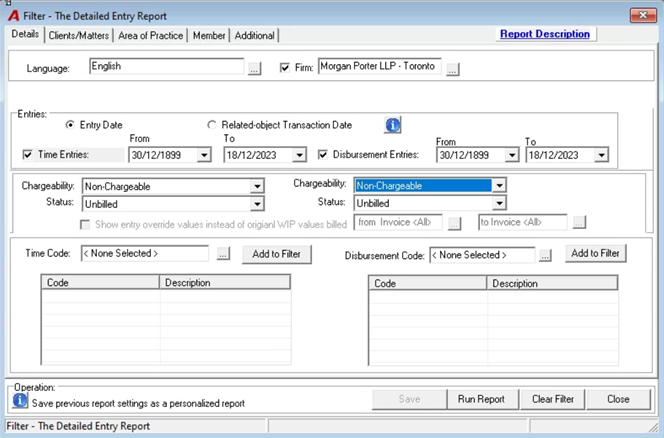
The Detailed Entry Report: Use the “Details” tab of the filter form to limit the detailed entry report to unbilled non-chargeable ones only.