.png)
To restore the Trust Cheque Requisition or Trust Cheque form to its original size and location, you will need to access the Windows Registry Editor.
**Exercise caution when making changes in the Registry Editor to ensure that no unrelated settings are inadvertently modified.
Please follow the steps below carefully:
-
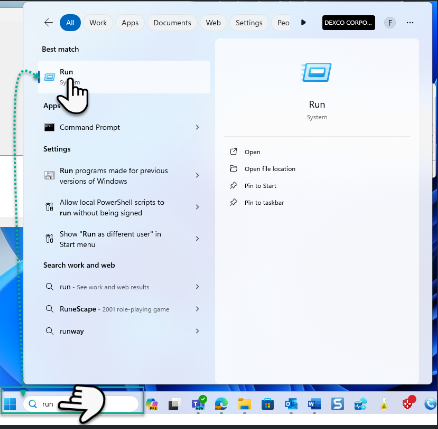
Open the Run dialog box by pressing
Windows Key + Ron your keyboard.
-
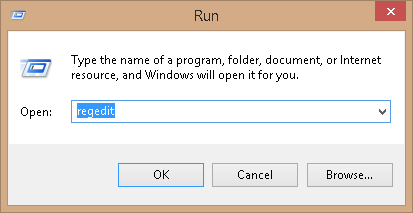
Type
regeditand press Enter to open the Registry Editor.
-
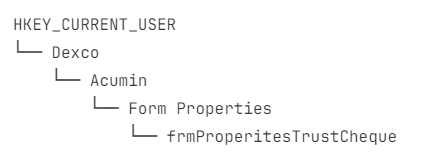
In the Registry Editor, navigate to the following path:
-
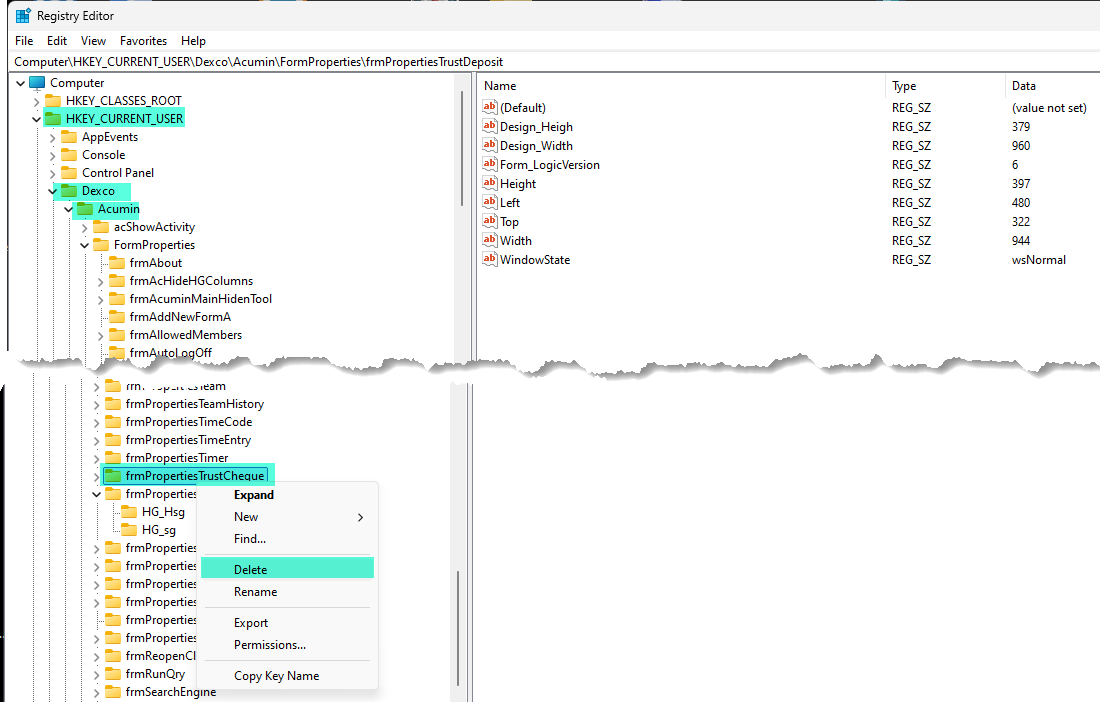
Locate the folder named
frmProperitesTrustChequeunder the "Form Properties" folder. -
Right-click on the
frmProperitesTrustChequefolder and select Delete to remove it. -
Once deleted, close the Registry Editor and log back into Acumin.
The form should now be restored to its original size and position.