.png)
Use Case
When the user does not need to use client or firm required activity codes to classify how the time was spent.
User Preferences
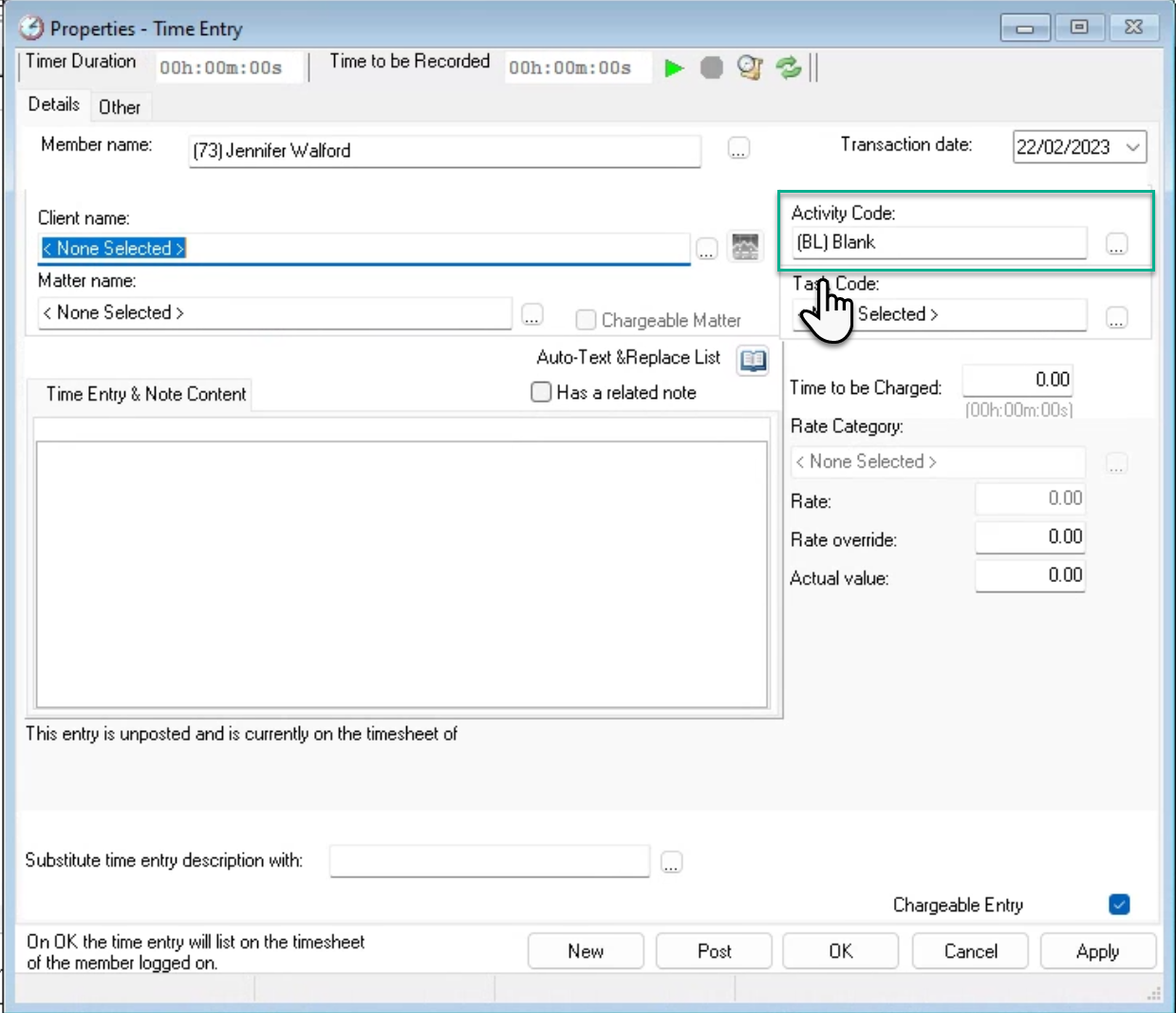
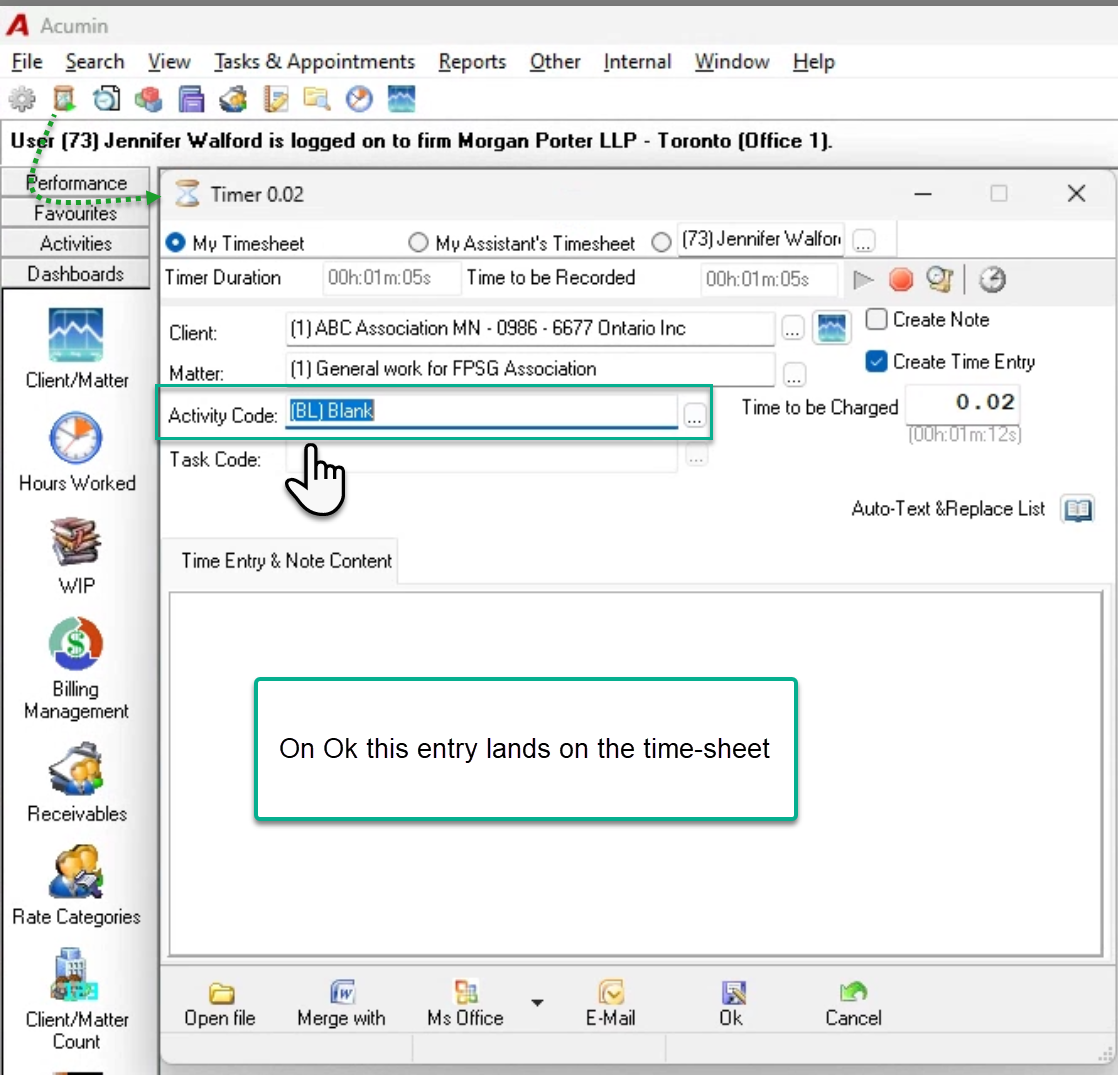
To have the general timer and time entry properties form pre-populated with the blank code once launched, select the blank code into to the “With the general timer” field.
Options
Time Entry Properties
This time entry form can be launched from:
-
The right click contextual menu on Acumin.desktop’s timesheet
-
The right-click contextual menu launched from a day on the Hours Worked Month Calendar View
-
The Time Entry button in client – matter dashboard
-
From the time entry icon on the customizable tool bar.
On OK, the time entry is saved as unposted on the owner’s (creator’s) timesheet
General Timer
This timer form can be launched from the general timer icon on the customizable tool bar.
On OK, the time entry is saved as unposted on the owner’s (creator’s) timesheet.
Timesheet
If the user defaults is set so on creation of a new row the client, matter and activity code are copied, then the blank code only needs be entered once so it can copy through.
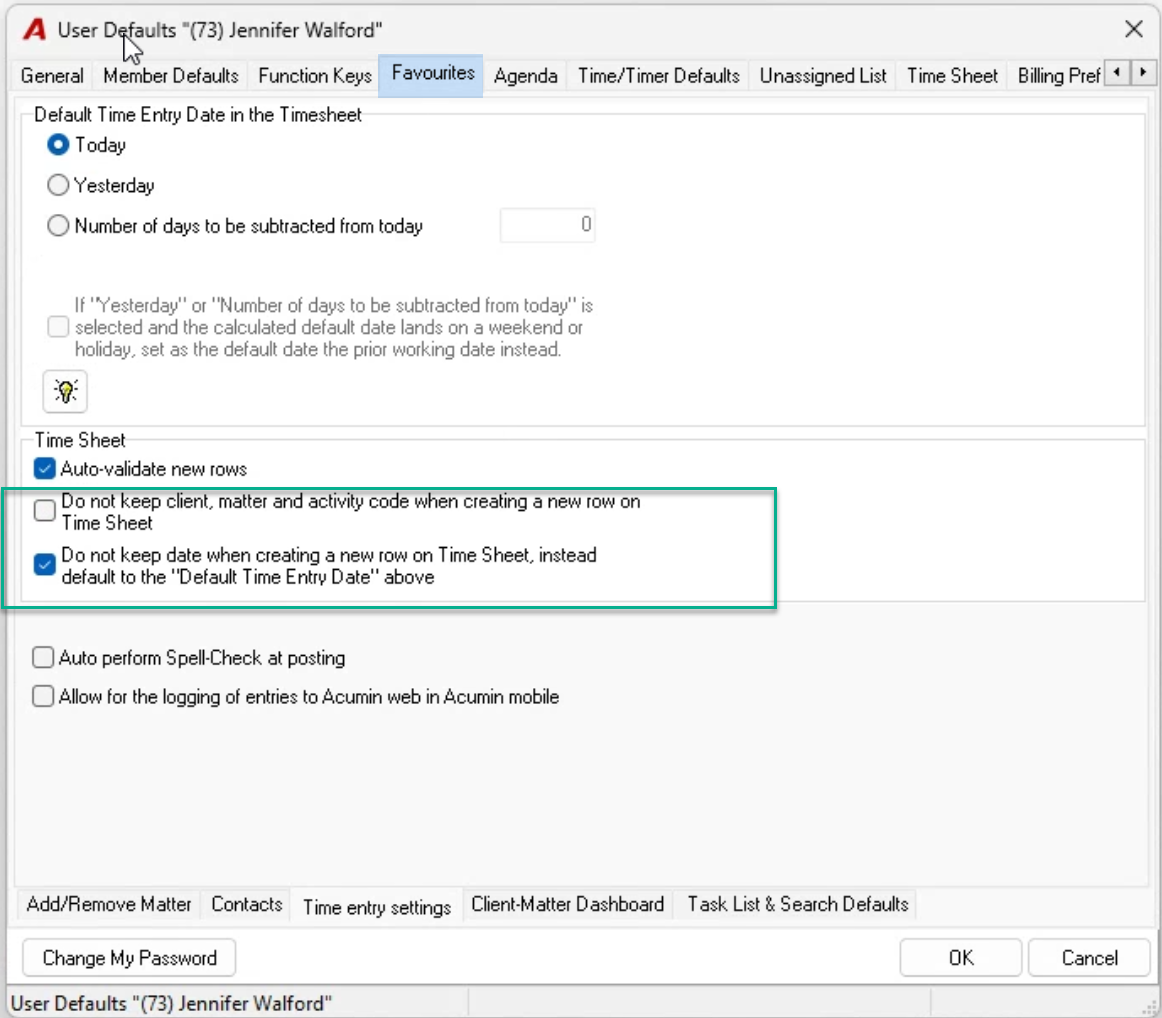
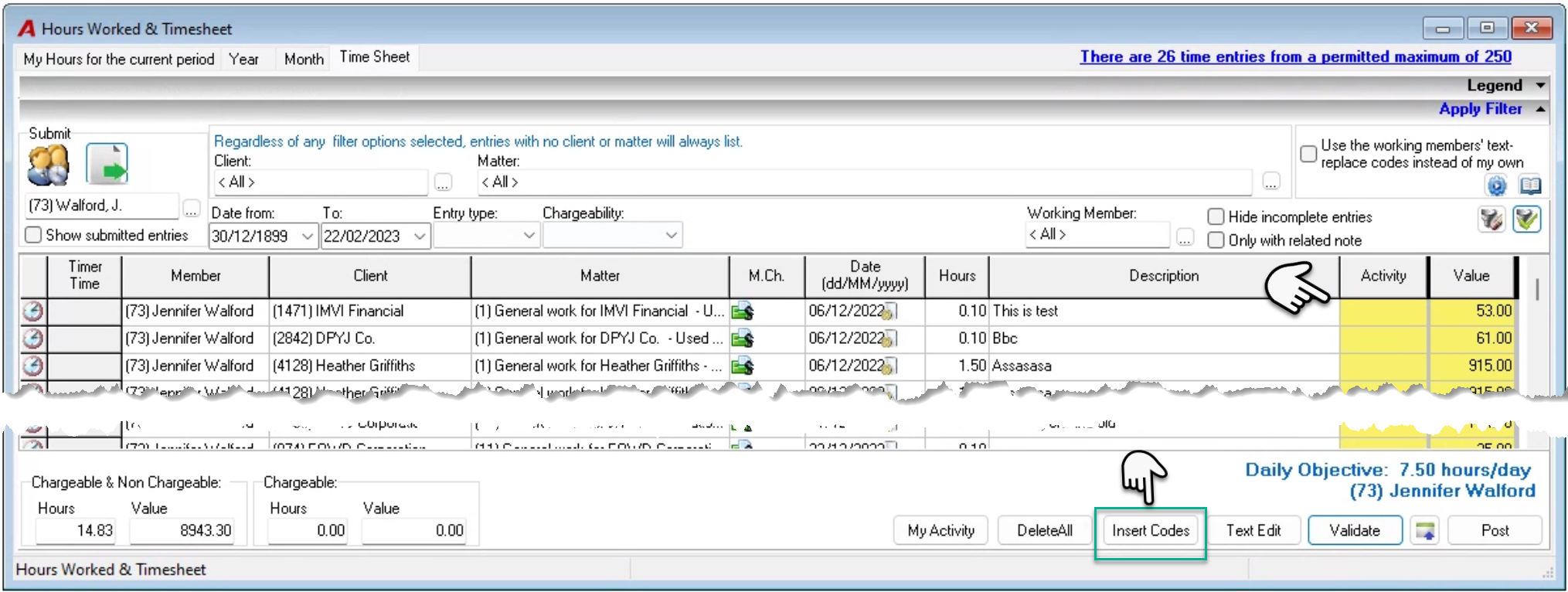
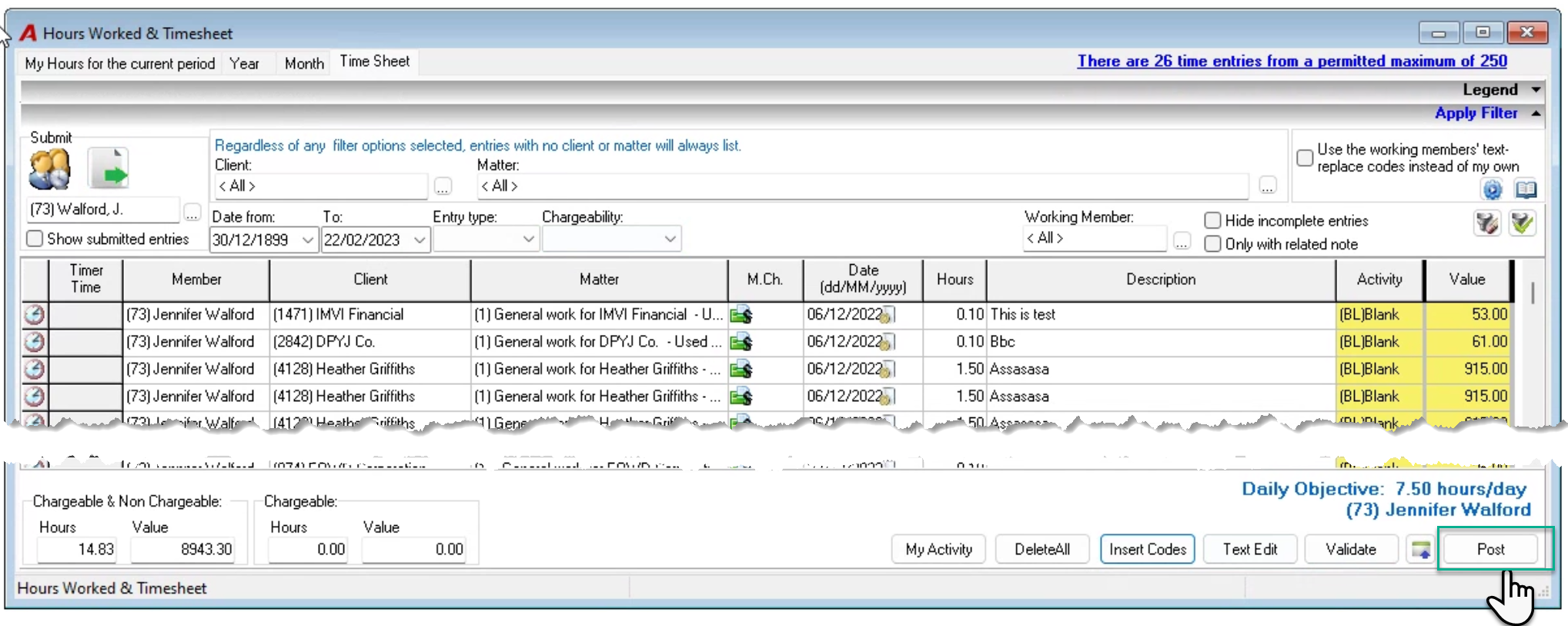
Alternatively, the user can skip the code field and prior to post press on “Insert Code” to update all the rows with the blank code before post.