.png)
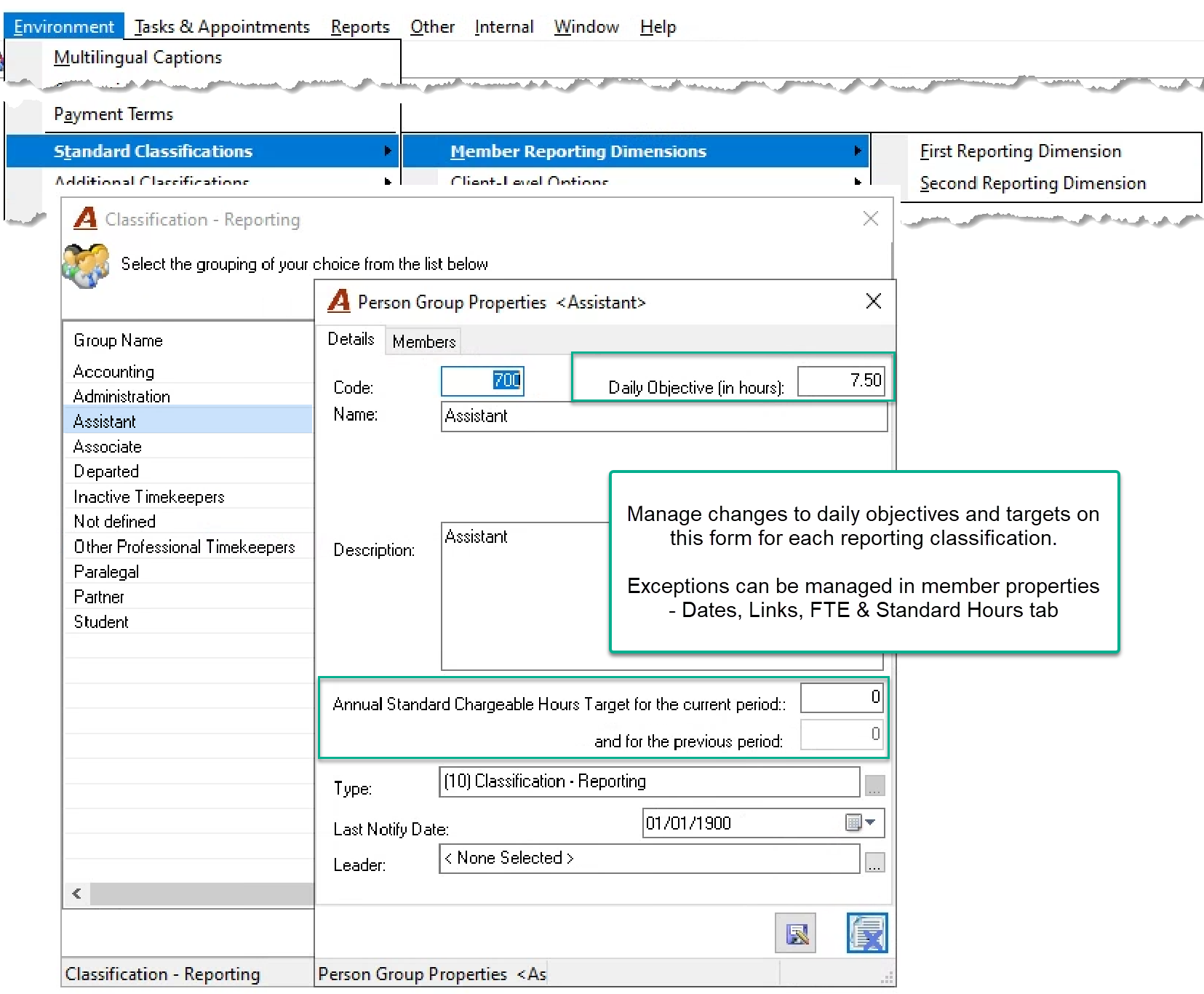
QUESTION: How can I set exceptions for a timekeeper to the time entry daily objective set for his group?
RESPONSE: To edit daily objectives and annual chargeable targets, access the “Second Reporting Classification” from “Environment – Standard Classifications = Member Reporting Classifications” sub menu. Right-click on the group that needs to be modified. Exceptions to the group’s daily objective and/or annual chargeable hour target can be set in member properties, “Dates, Links, FTE and Standard Hours” tab.