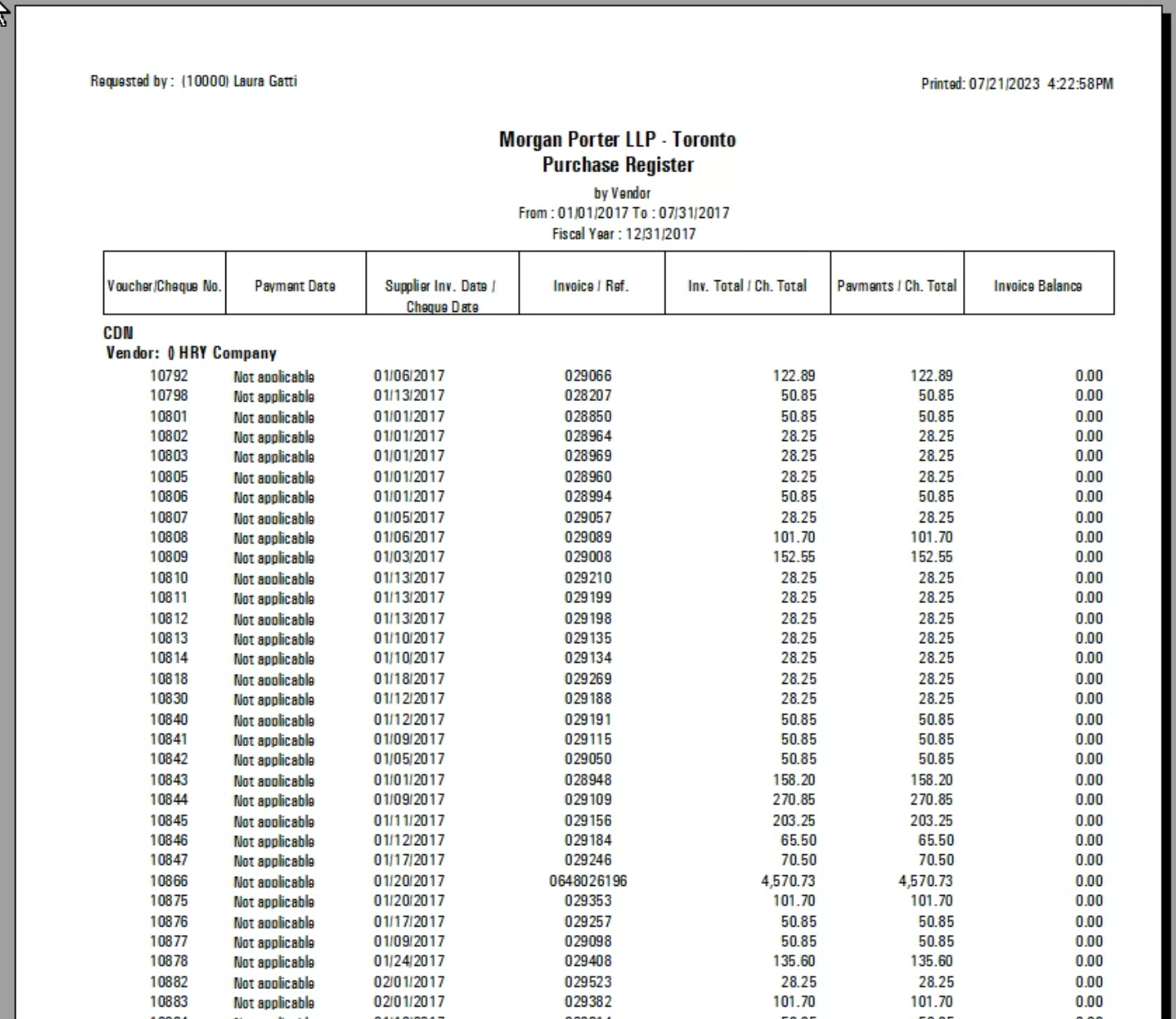
.png)
Purchase Register
Access
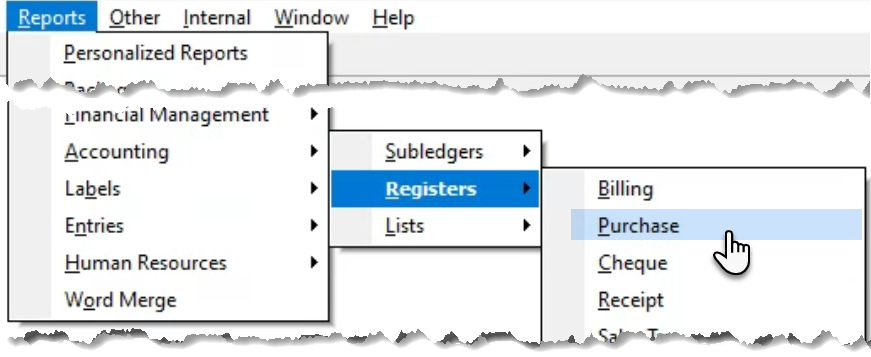
Select “Purchase” from the “Reports – Accounting – Registers” submenu, to launch the purchase register filter.
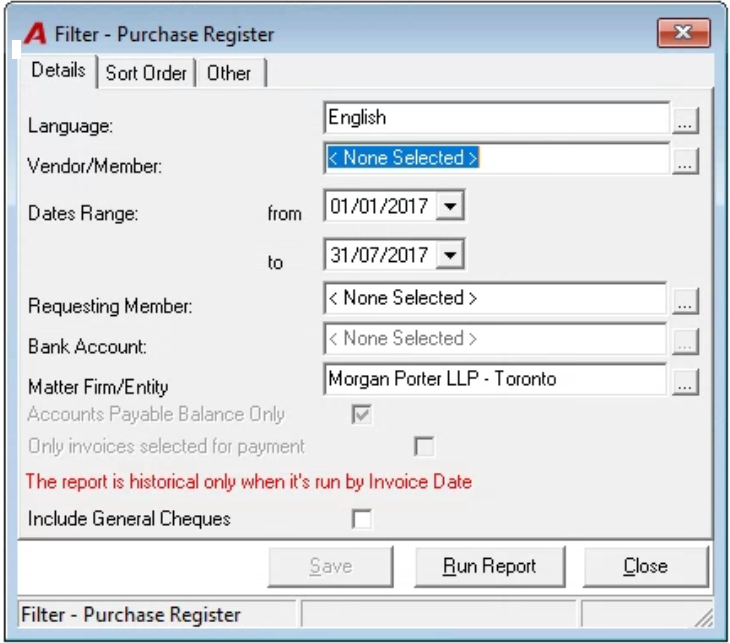
Filter
Details Tab
The date range will default to the current month, the vendor to <All> and the firm to the firm logged in. It is possible to select a date range across months and fiscal years as well as specific vendor or all firms (offices). Use the “Include General Cheques” checkbox option to include payments for invoices not processed through accounts payable.
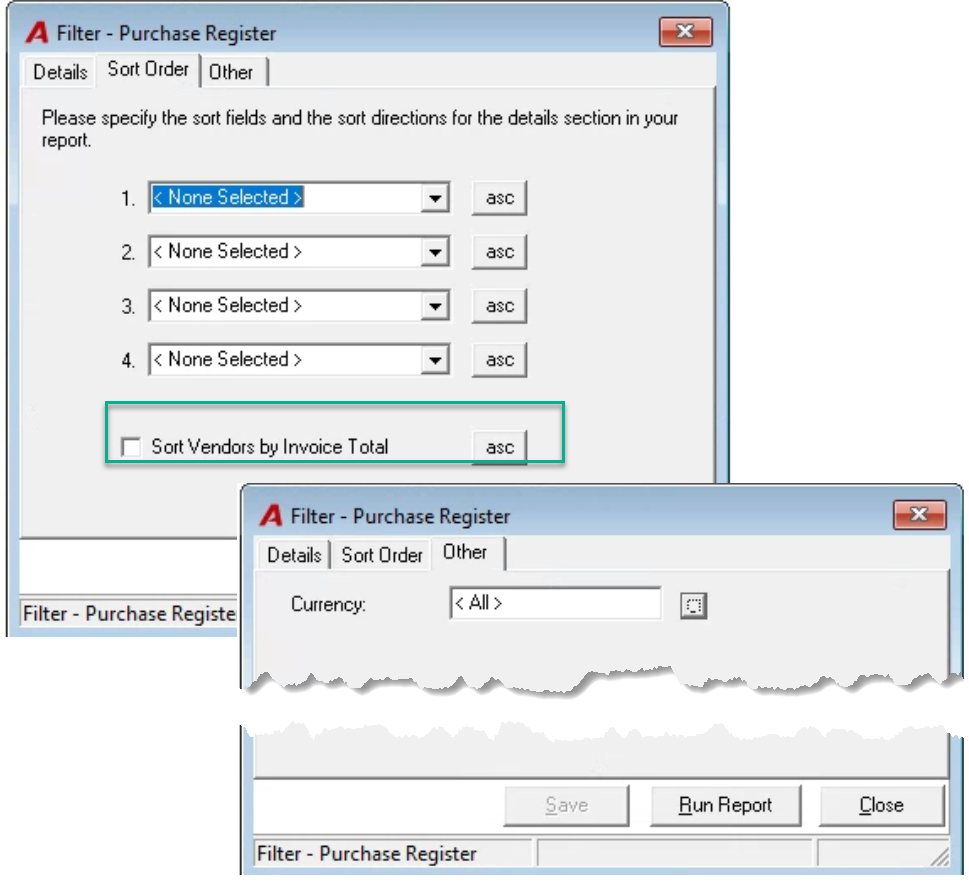
Other Options
The report can be executed sored by vendor invoice total. Press on ASC to change the order from ascending to descending. It can also be filtered by payable invoice total.
Report Output