.png)
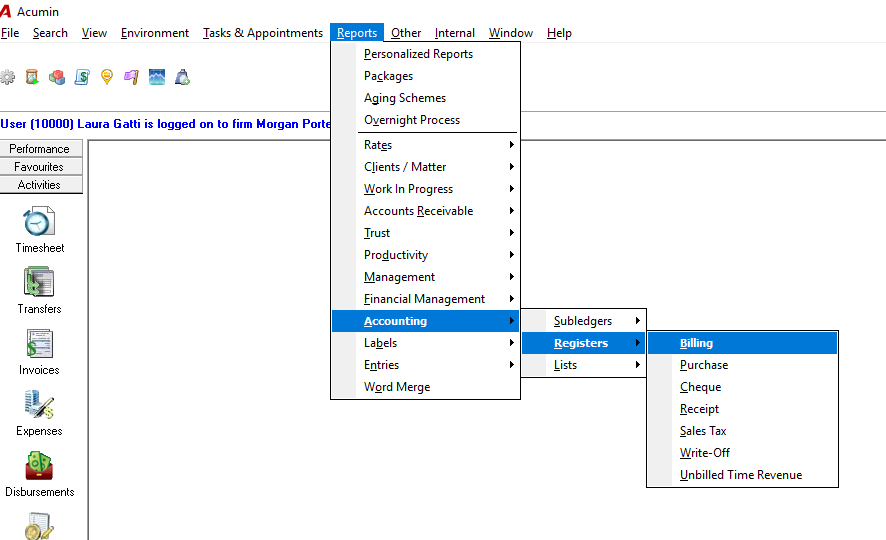
For a report listing only credit notes posted within a period in Acumin, you may to use the “Billing Register Report” located under:
Report - Accounting - Registers - Billing section
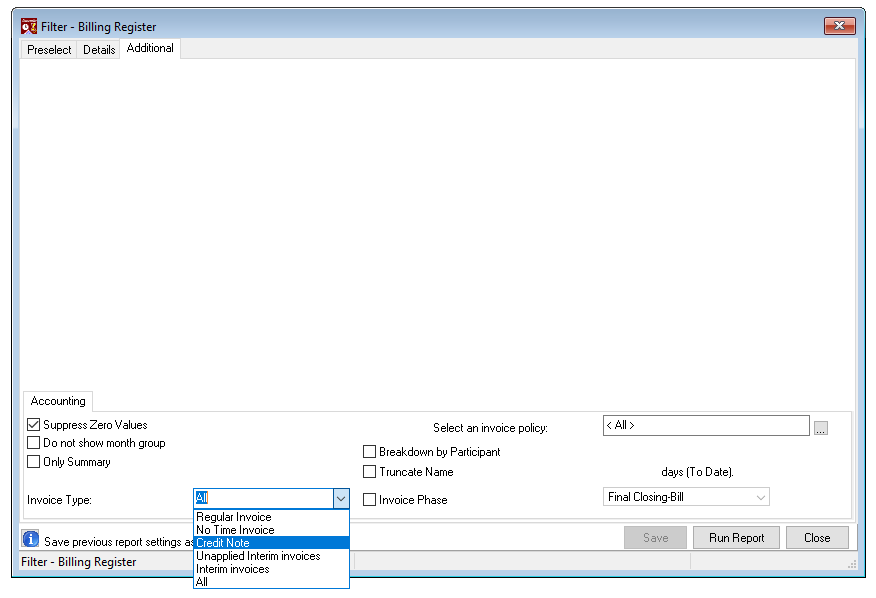
After selecting the period and other filters within the Preselect and Details tabs, select the Invoice type : “Credit Note” or any other type of invoices: Regular invoice, No Time Invoice, Unapplied interim invoice, Interim invoices , in the Additional tab to list only the type of invoice selected in the Billing report.