.png)
-
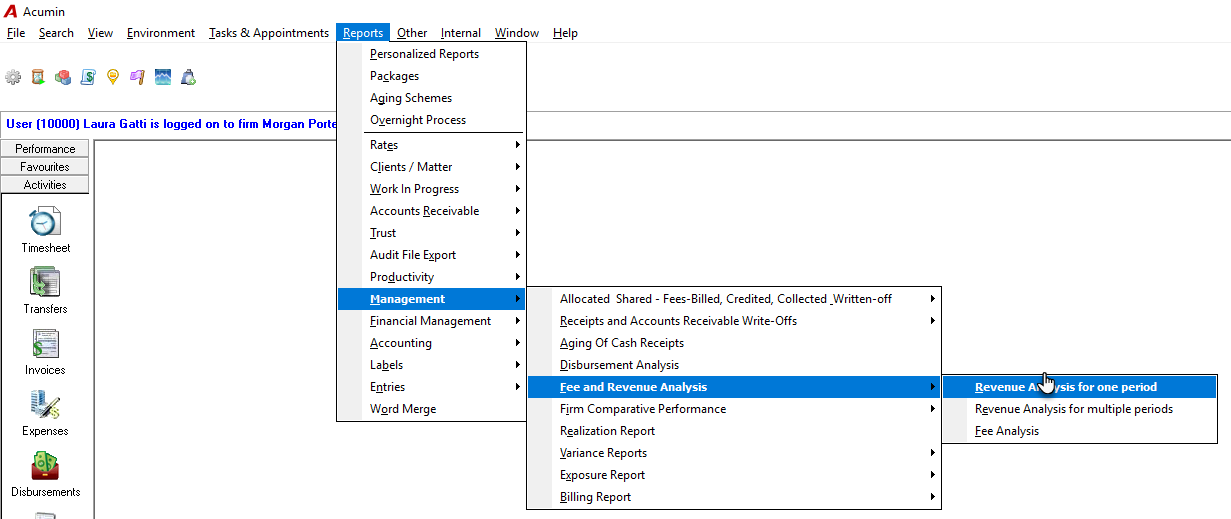
Navigate to Reports – Management – Fee and Revenue Analysis – Revenue Analysis for one period
-
Set the date range in the Preselect Tab.
-
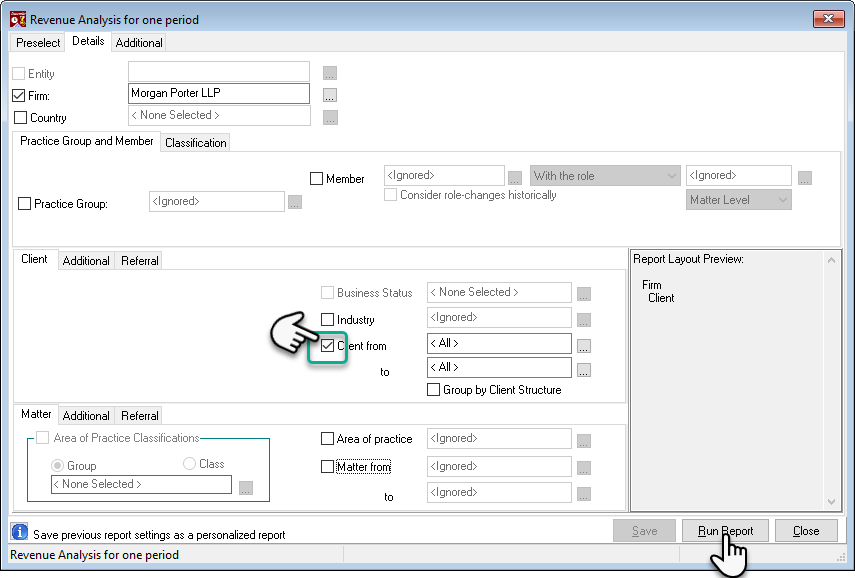
In the Details Tab, customize the level of information by selecting or deselecting options, excluding the client. For instance, if you prefer a concise client list, only choose the client option.
-
Proceed by clicking the “Run Report” button.
-
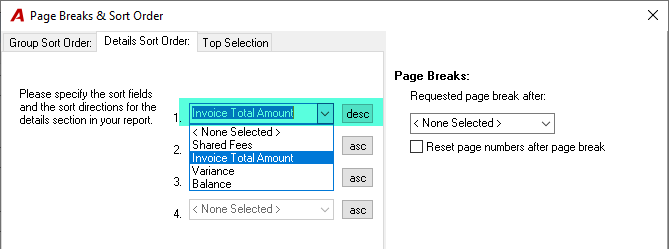
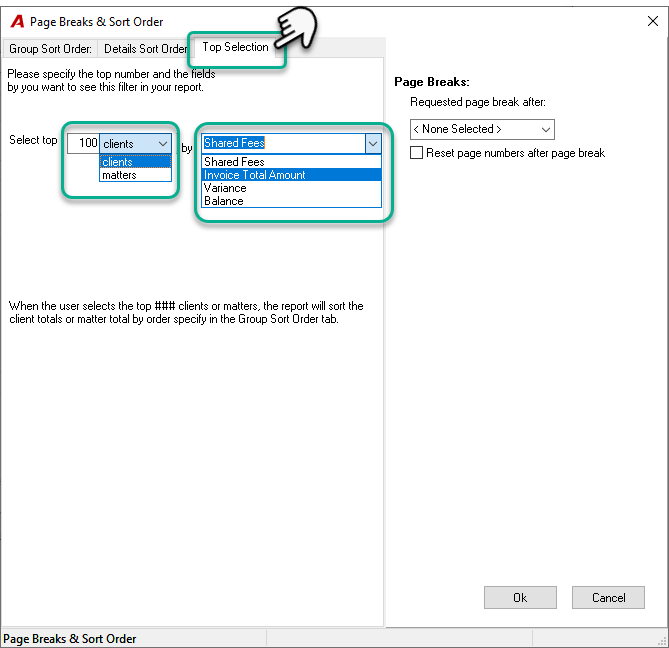
Within the “Page Break & Sort Order” window, access the third Tab labeled “Top Selection”.
-
Inside the “Top Selection” Tab, input the desired number of clients or matters in the “Select top” field.
-
Opt for the top 100 clients or matters.
-
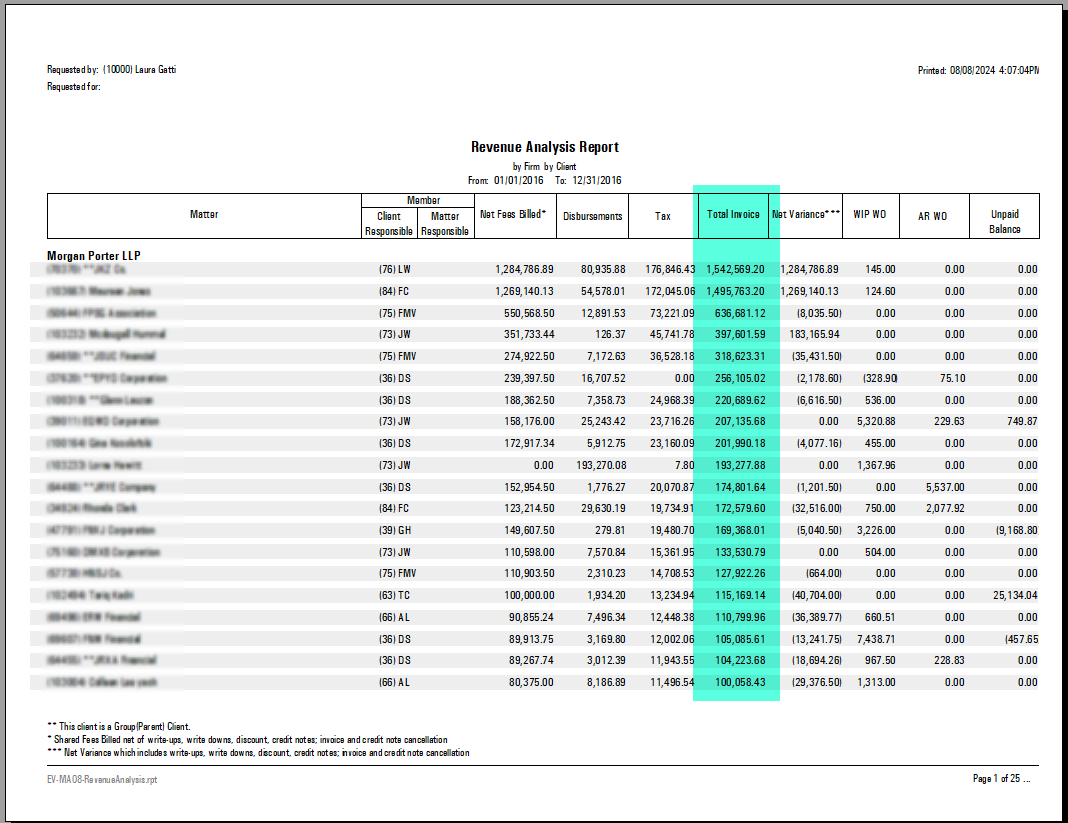
Define the parameter for the report based on Shared Fees, Invoice total amount, Variance, or Balance.
-
Modify the sort order in the Group Sort Order Tab.