.png)
Client-Matter List With-Without Address
Process
Access
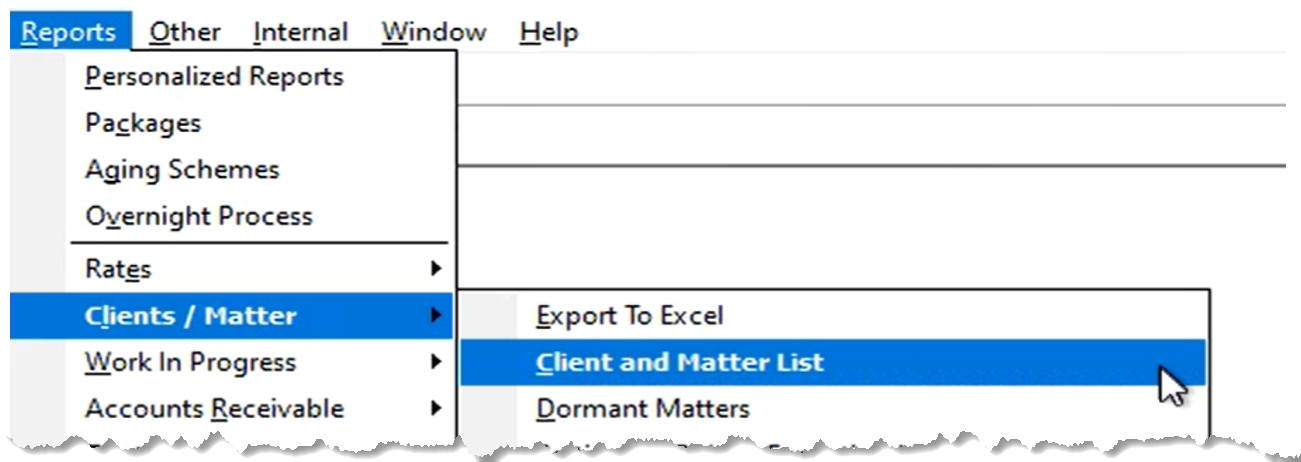
Client List Report Filter
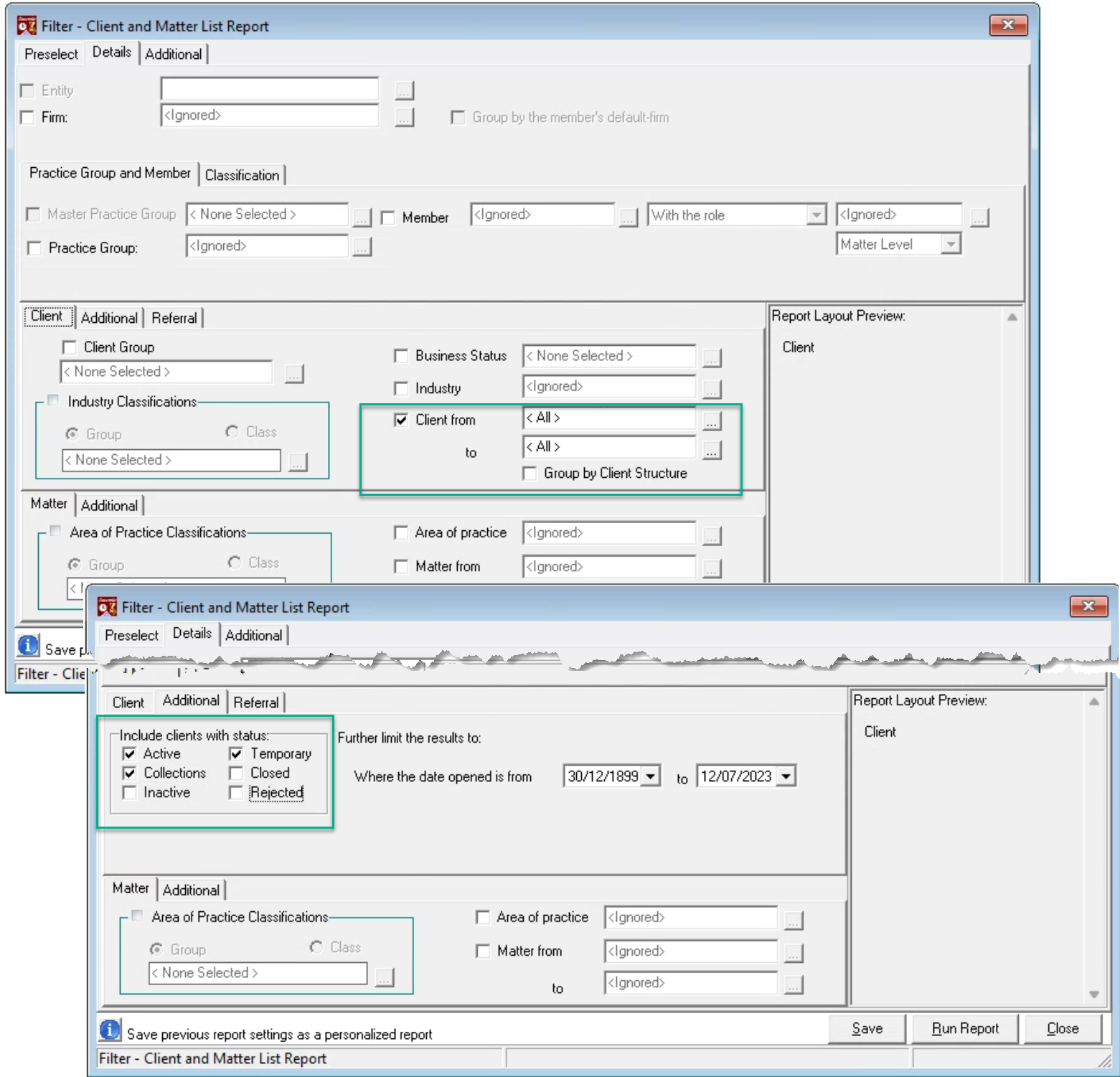
Uncheck all report attributes in the details tab except for Client for a client list, or checkmark “Member” to select and report by client-level role-holder. Press on the additional sub-tab for the client section and select the status filter needed – for example “Active” and “Collections”.
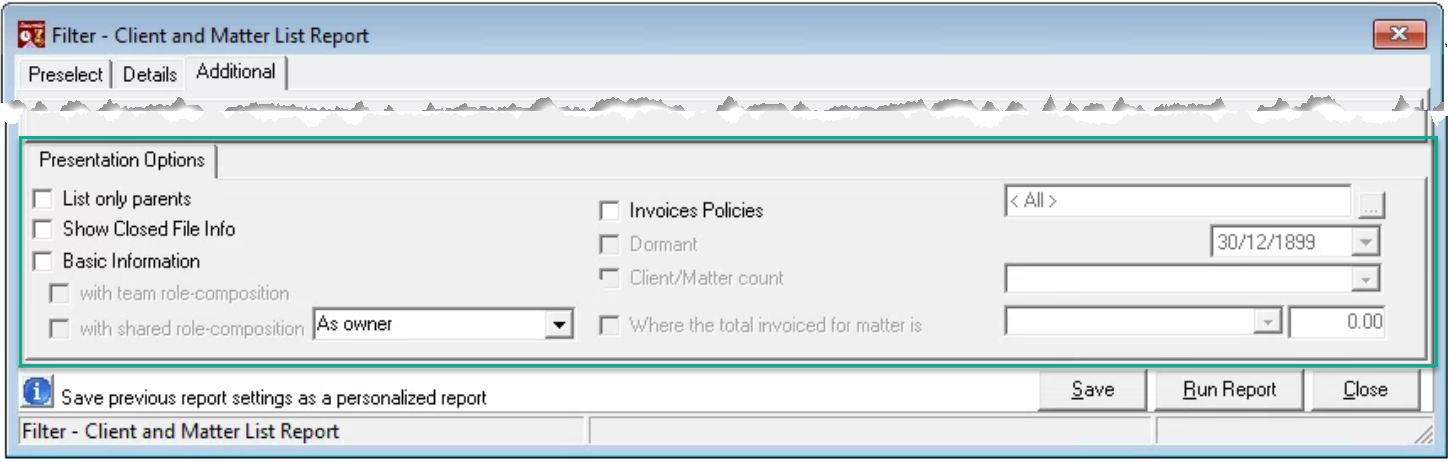
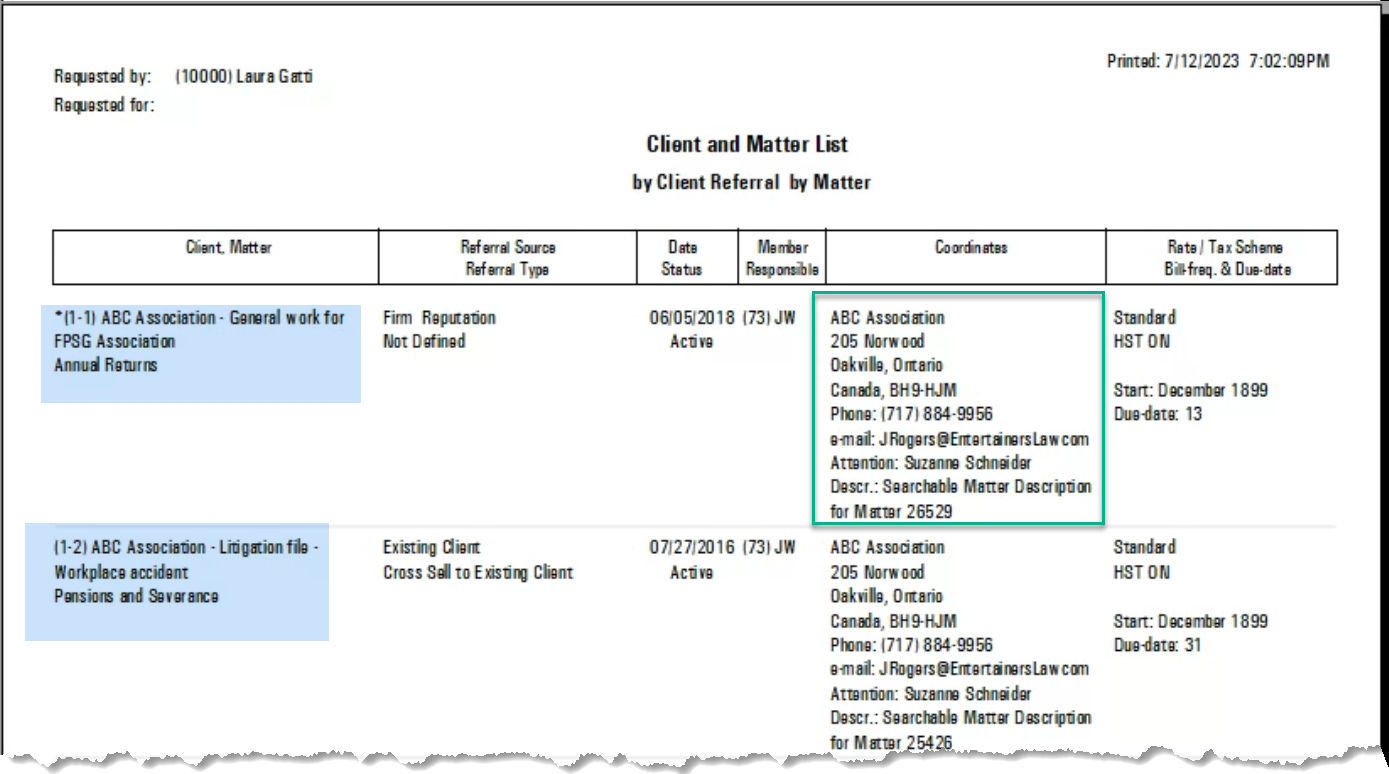
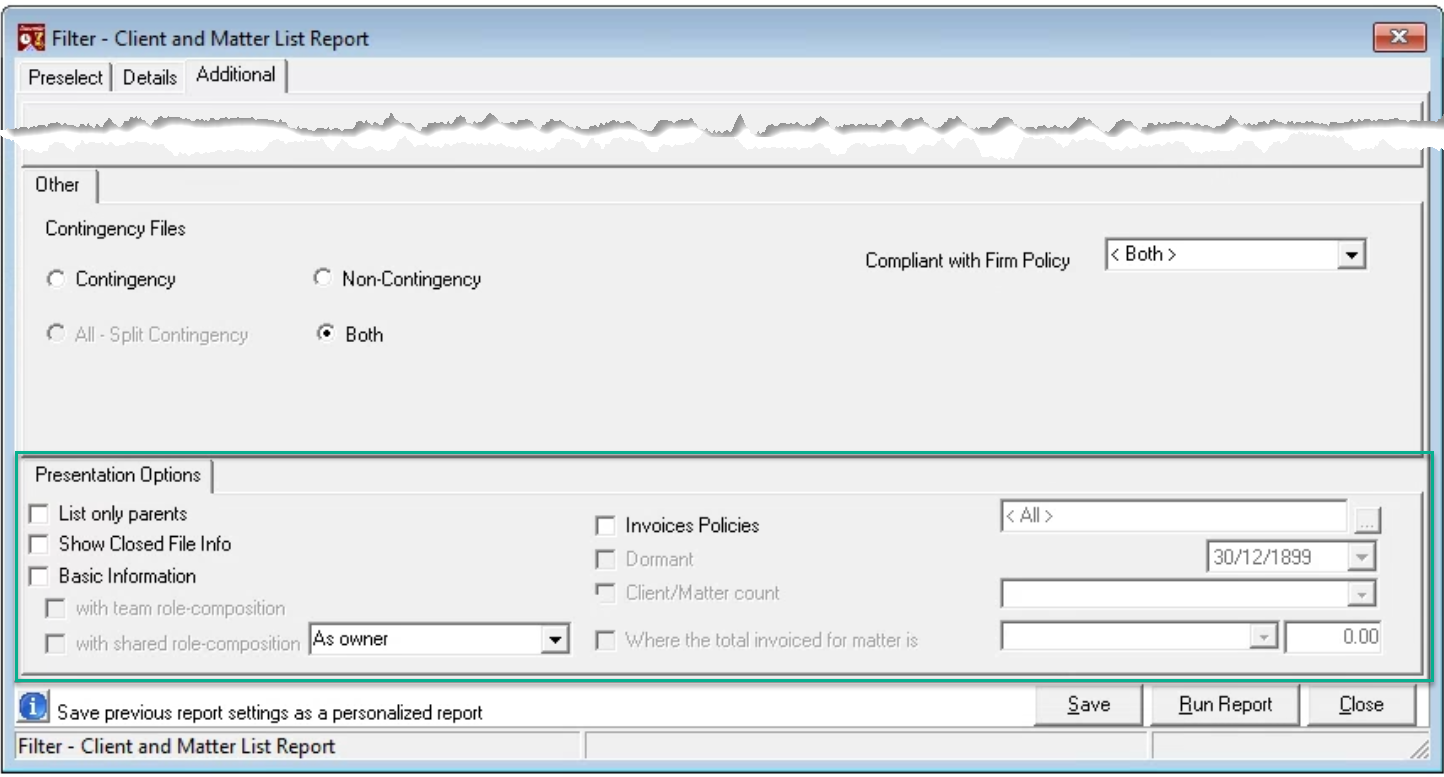
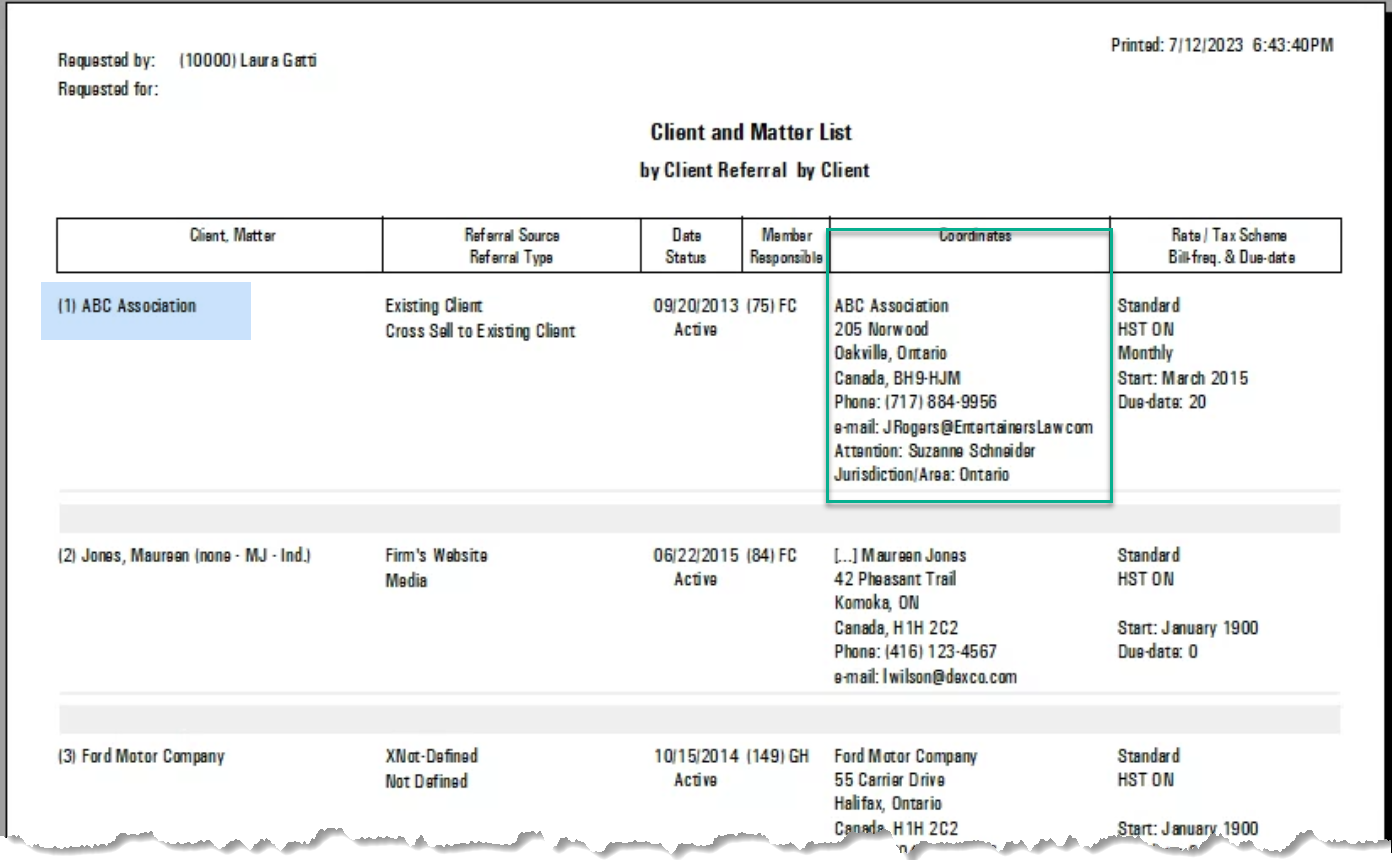
To include the address for the client, do not checkmark any options on the additional tab.
Matter List Report Filter
Uncheck all report attributes in the details tab except for Matter for a matter list, or checkmark “Member” to select and report by matter-level role-holder. Unselect the client as a reporting group, as the client for the matters listed, will show anyways.
Press on the additional sub-tab for the matter section and select the status filter needed – for example “Closed” and “Rejected”. In the case or closed and rejected, you can further filter the matters by including a closed-date time period instead of the default which will capture all matters that are closed.
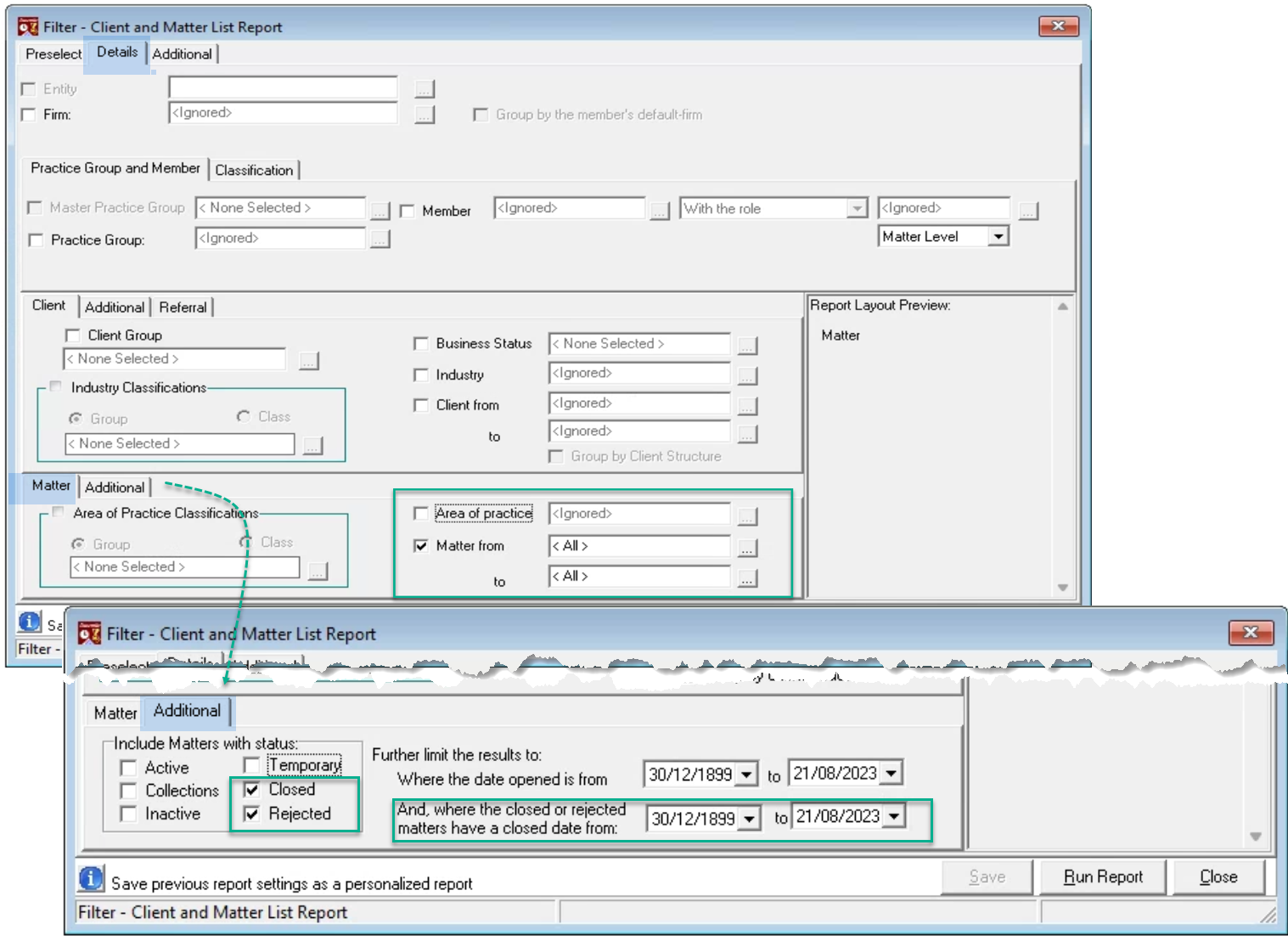
To include the address for the client for each matter listed, do not checkmark any options on the additional tab. Alternatively select the basic information for a more succinct list.