.png)
Client and Matter List
Access
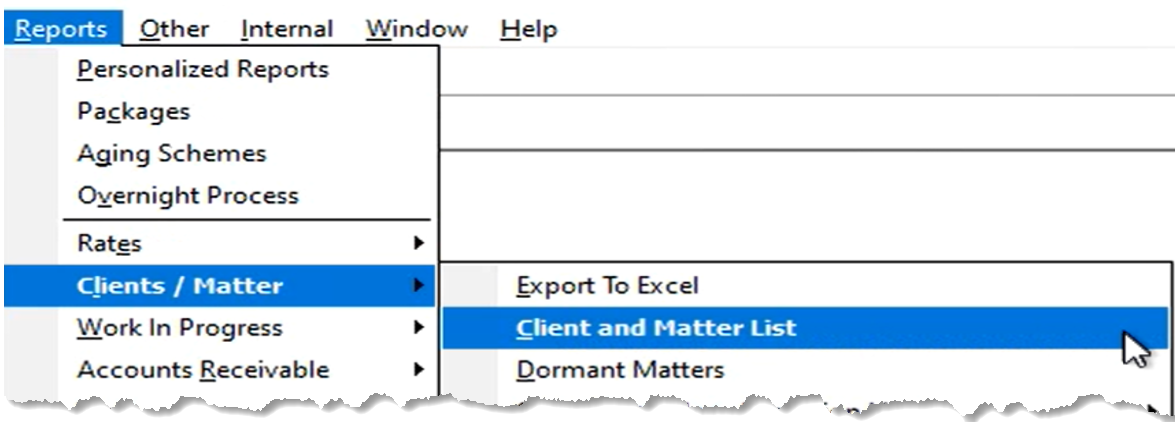
From the “Reports” – “Client / Matter” submenu select “Client and Matter List” (former name “Condensed Client/Matter”)
Preselect Tab
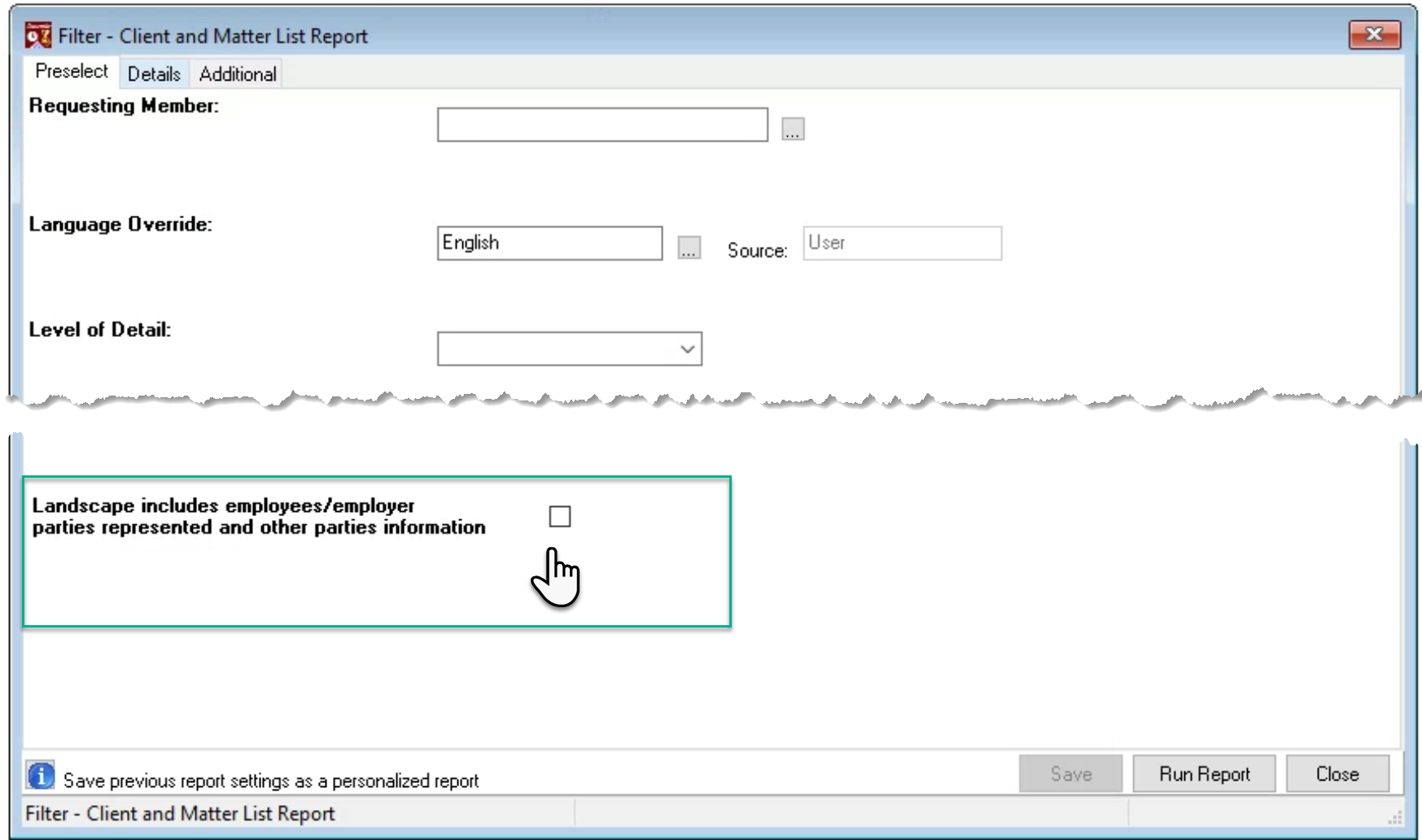
Checkmark the checkbox option “Landscape includes employees or employers, parties represented and other parties’ information” to show conflict relevant client and matter properties content.
Details Tab
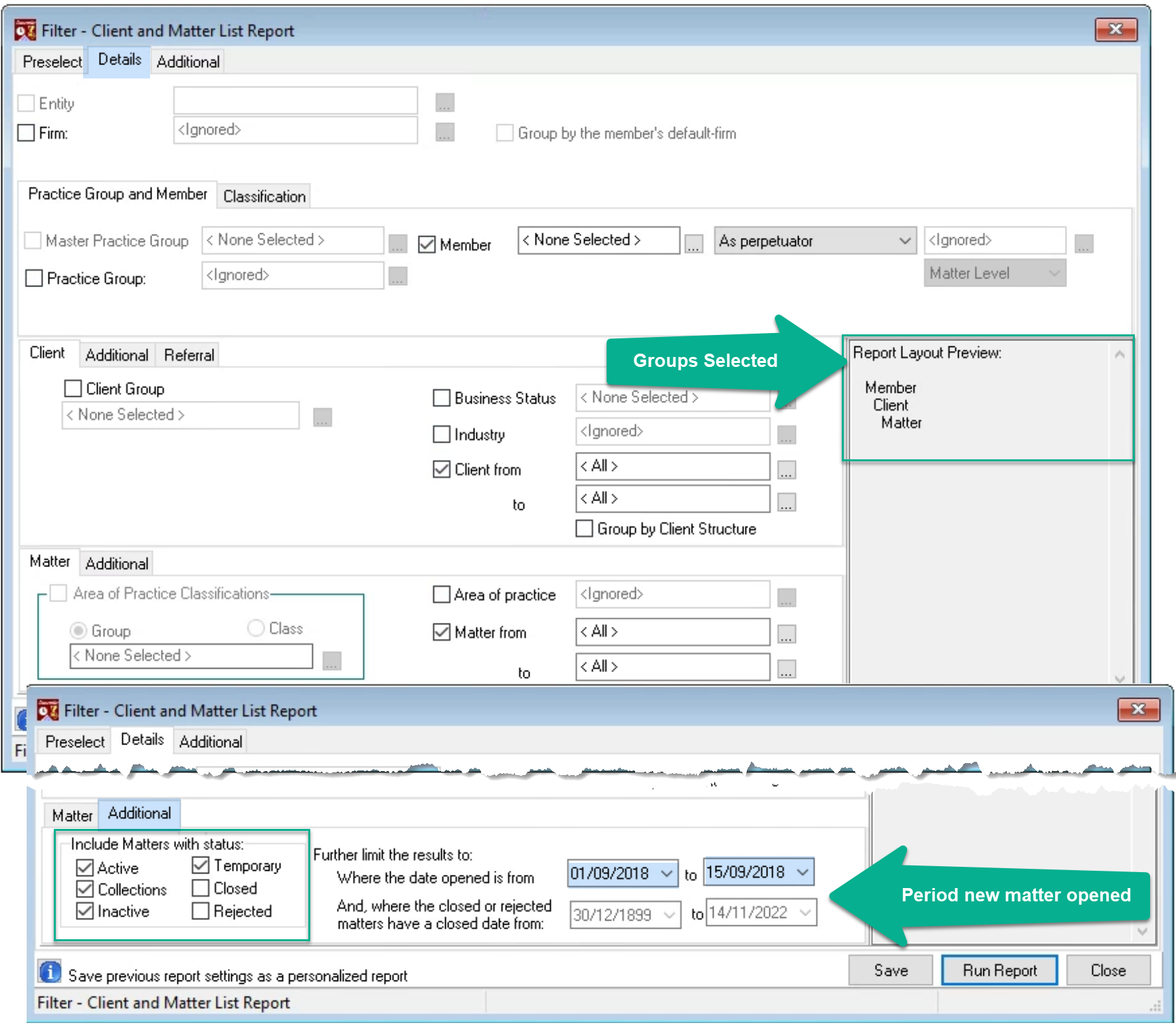
Execute the client and matter using needed groups and filters.
Select the client to generate the employment information and client level parties represented. Select the matter to show the matter level parties represented and other parties.
Un-select the client to generate a matter list without grouping by client. When the matter is selected without the client – each record will contain the client and matter code and name, however the matter results will not group by client for a more streamlines presentation.
The additional subtab for clients and matters includes options to filter for status as well as date opened.
Additional Tab
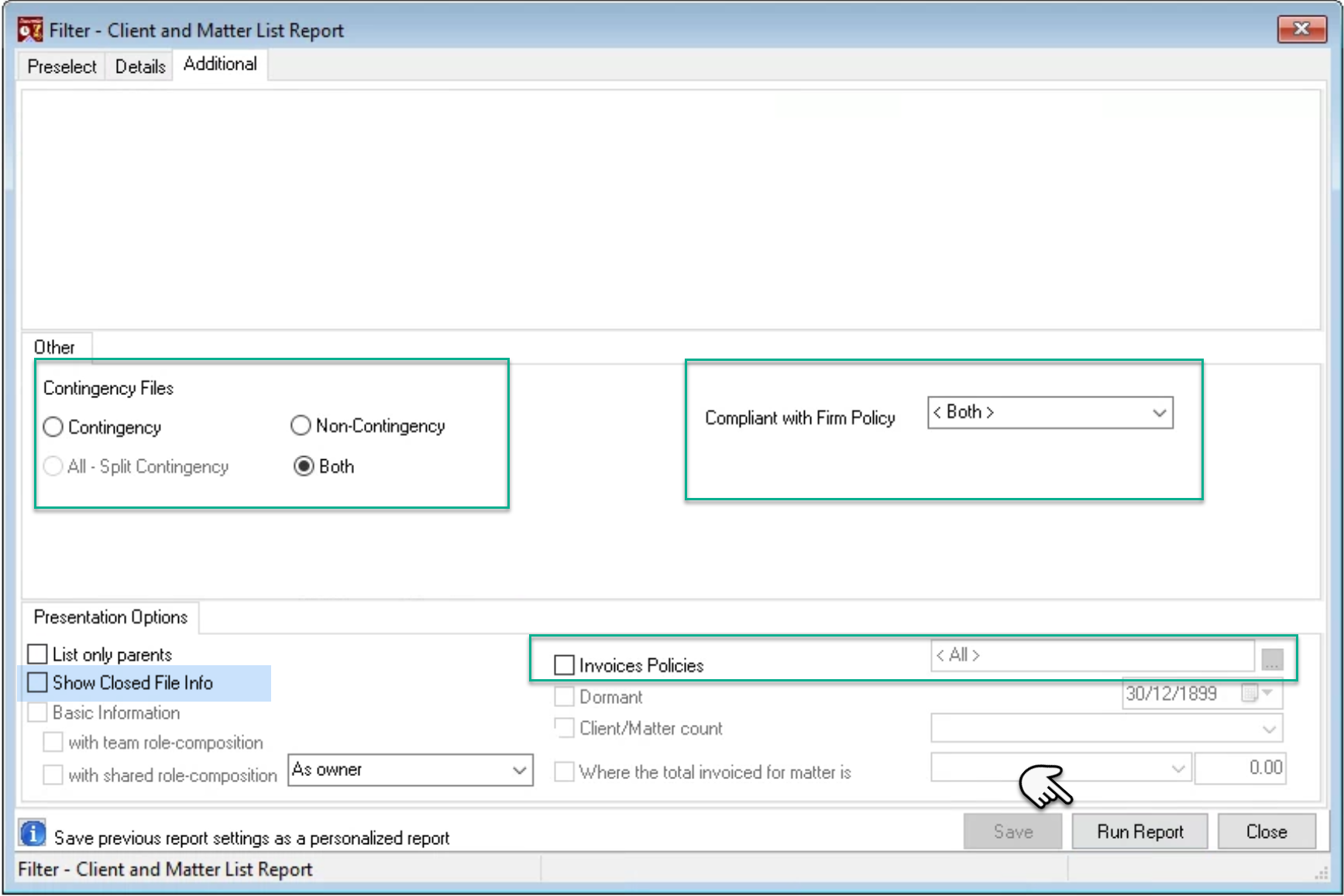
Filter report results in context of contingency, compliance with know your client firm policies and/or invoice policy.
If the report is executed with the “Show Closed File Info” checkbox option check-marked, closed matters will show closed file information in addition to parties represented and other parties.
Press “Run Report”.