.png)
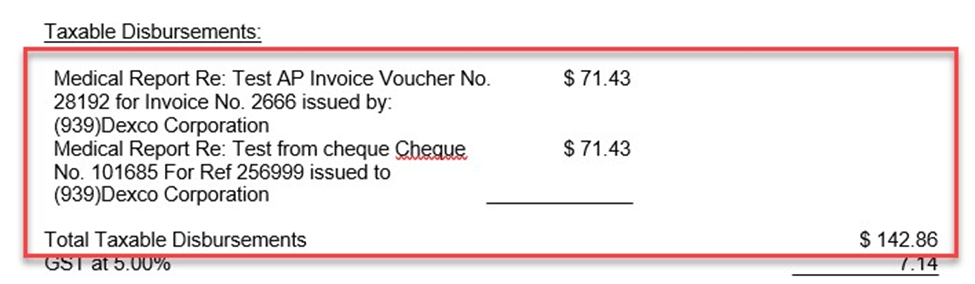
QUESTION: We’ve noticed a difference in how entries are generated on an invoice depending on how they’ve been created.
When a general cheque request is done, all of the relevant information such as cheque number, payee, invoice number etc. show up in the description. When an accounts payable request is done, even though all information has been put into the description, it will only show the disbursement code description and not the additional information like cheque number, payee, invoice number.
Is there something in the Acumin system configuration that needs to be selected to ensure descriptions are being shown at all times when generating invoices?
RESPONSE: Yes, Acumin offers you ability to manage the content of disbursement entries as well as the display on the invoice.
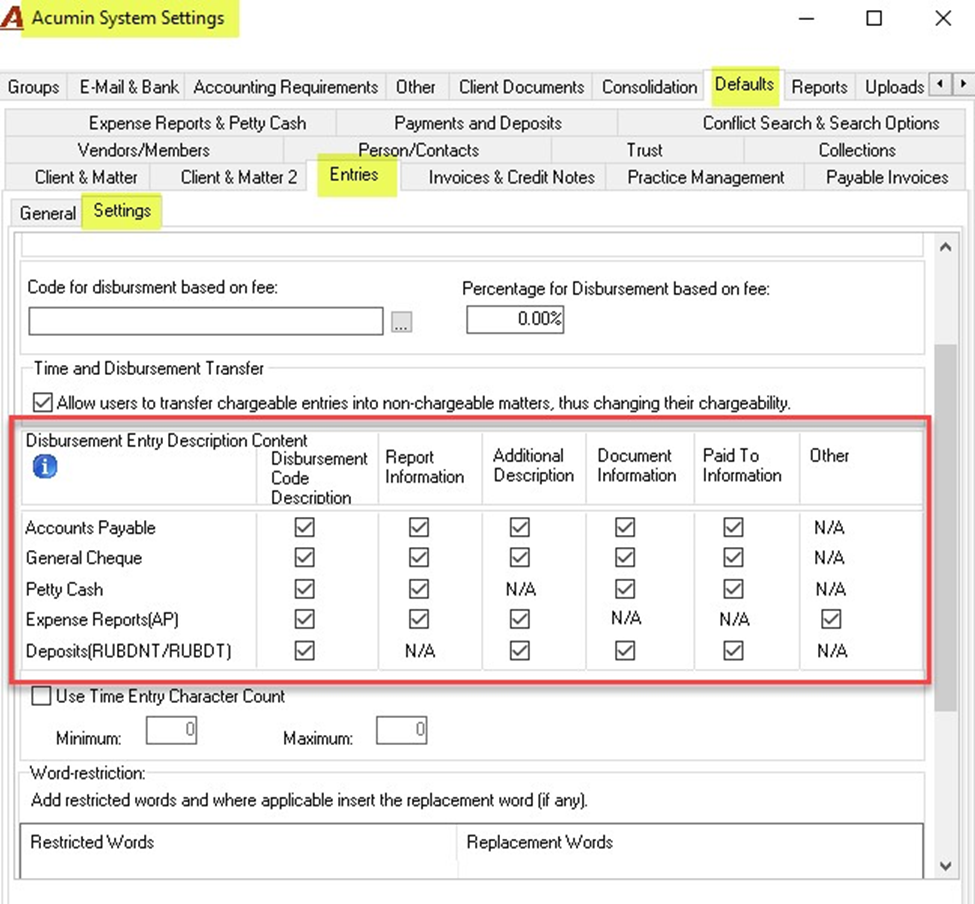
Content of Disbursement Description (Data Input)
When a user creates a disbursement to be charged on a Matter, its content is built from the configuration established within the Acumin System Settings as displayed below:
Disbursement Presentation on Invoice (Data Output)
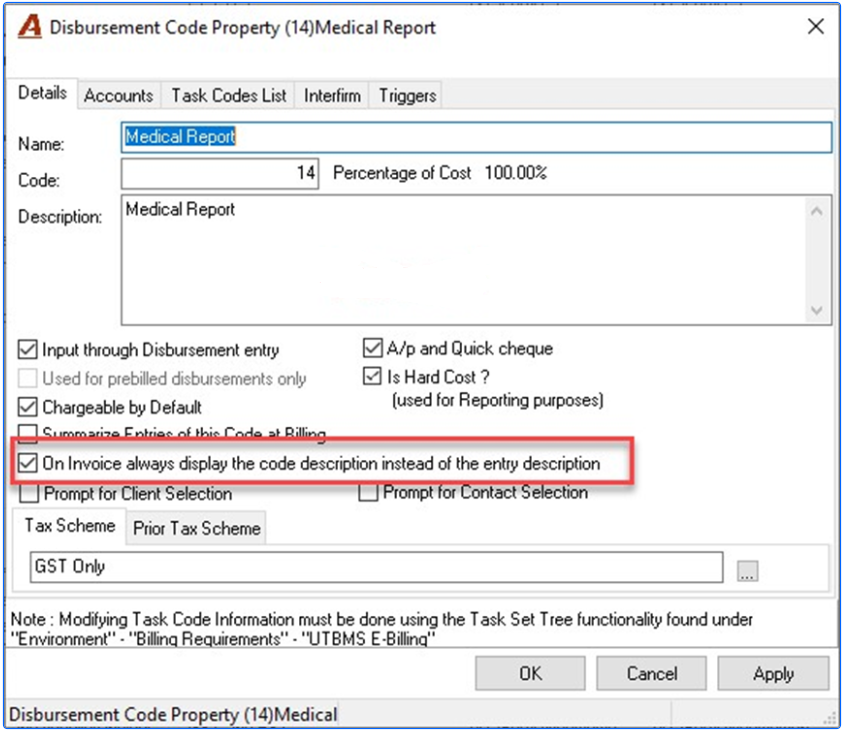
The content of the disbursement description displayed on an invoice comes from within each Disbursement Code Property.
In example, if the Disbursement Code is set as below:
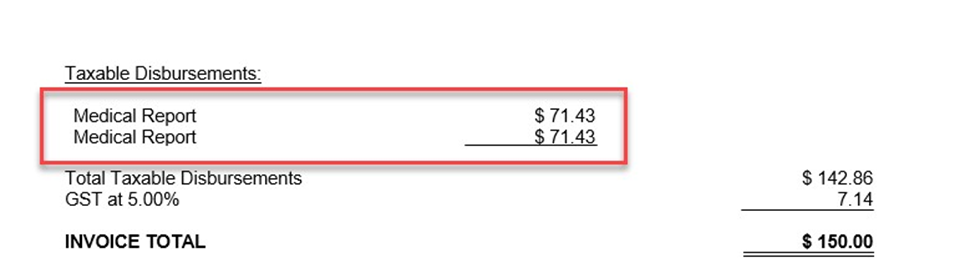
Your invoice will appear as follows:
However, if set as below:
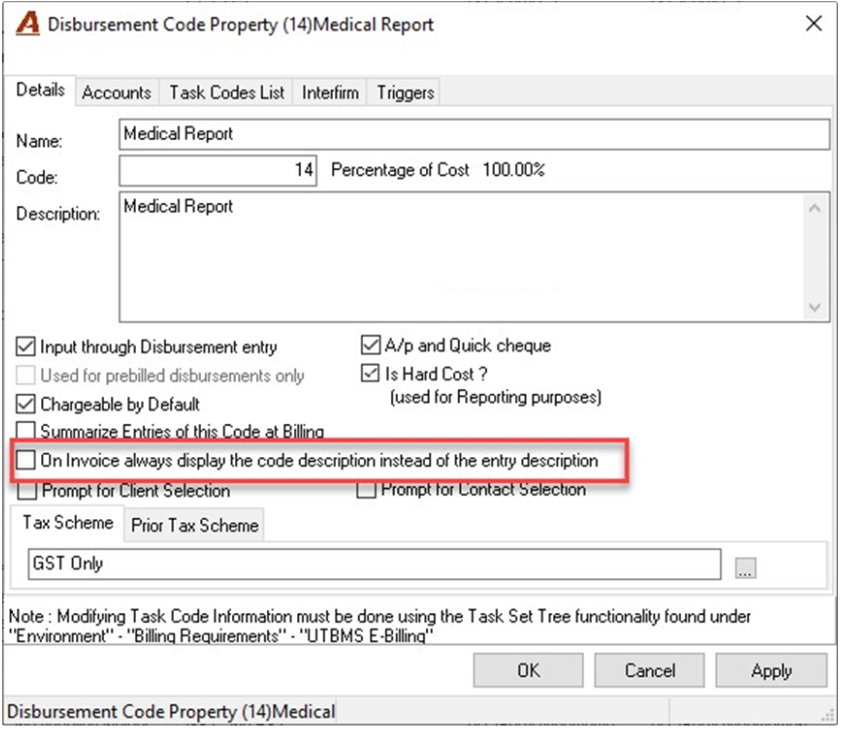
Your invoice will look like: