.png)
Access
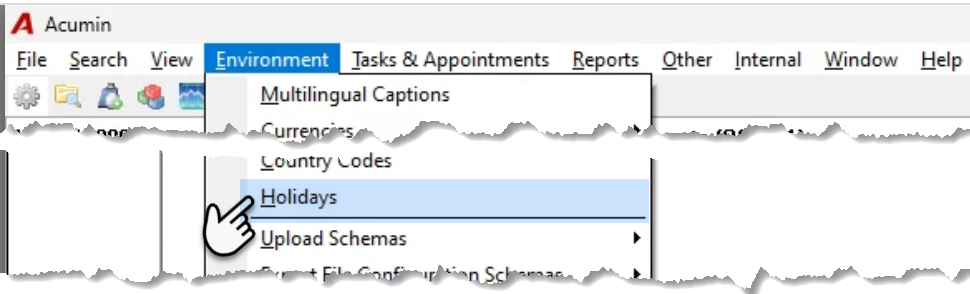
To update the Firm Holiday Calendar at the start of the fiscal year, select “Holidays” from the “Environment” menu.
Process
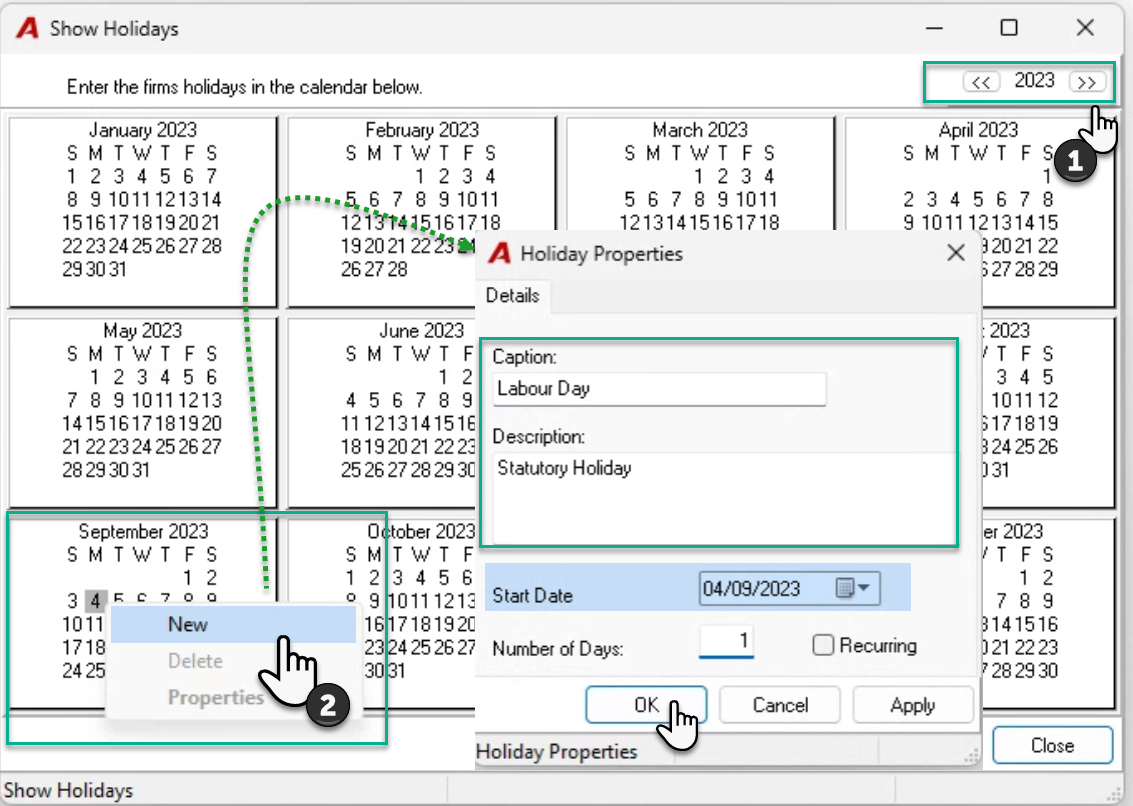
The “Show Holidays” form will launch defaulting to the current year. Navigate to the year that needs to be updated by pressing on the double arrow buttons to the left and right of the year shown.
Add a New Holiday
Click to select the holiday date and right click to select “New” to launch the “Holiday Properties” form. Complete the caption, description, number of days and confirm the date. Press OK to accept and exit.
Recurrence:
Where appropriate set the holiday as recurring. For example, Christmas is always the 25th of December and New Years the 1st of January therefore these can be set once, as recurring. Non-recurring holidays, for example family day, or labour day, must be set manually.
Modifying or Deleting an Holiday
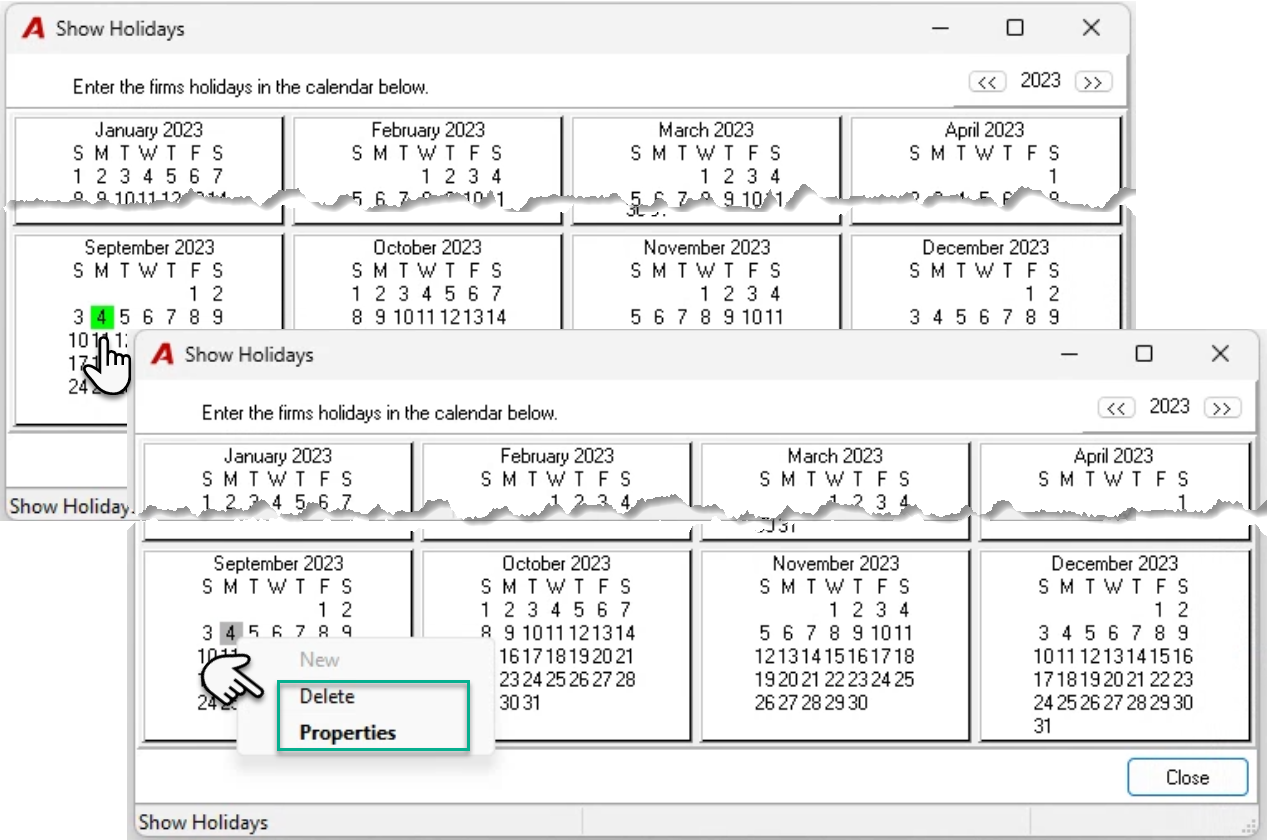
Holidays will show highlighted in green. Click on a set-holiday to right click and “Delete” or select “Properties” to make changes.