.png)
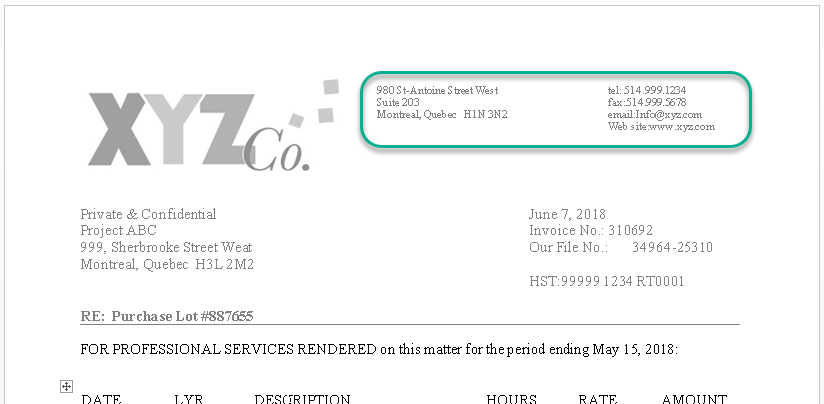
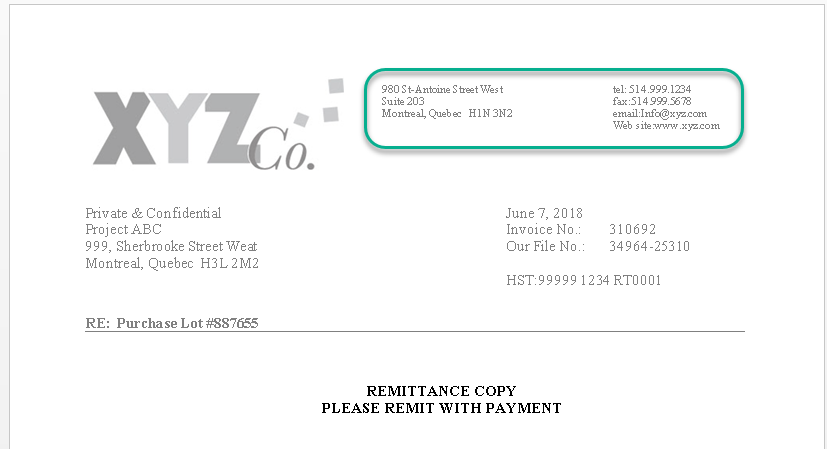
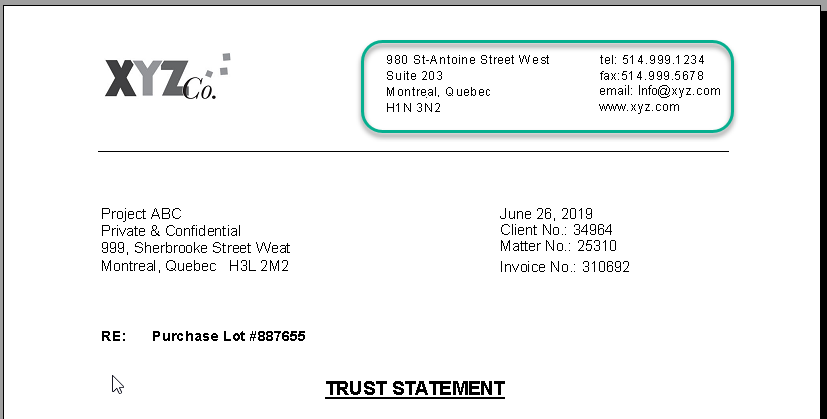
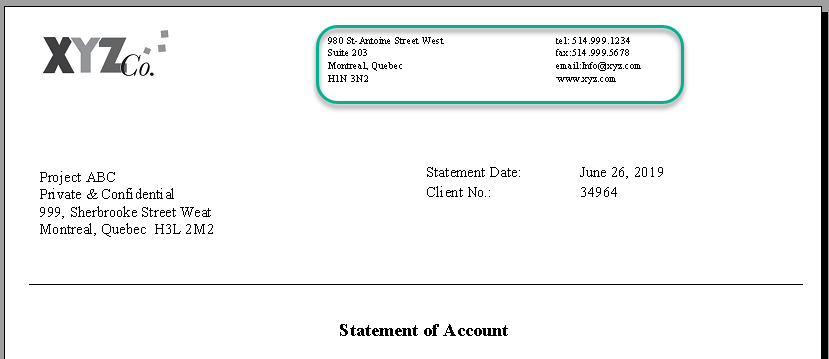
Firms on Dynamic Invoice Engine program have the ability to modify themselves the firm coordinates appearing on those document:
-
Invoice package
-
Trust statement
-
Statement of Account
Firm address on client's documents
The firm coordinates that prints on client documents are set by firm/profit center . It allows having different return address printing on client documents when the Law Firm has several locations. The coordinates appearing on those documents generally follow the firm of the matter billed. The modification has to be done within each firm/profit center from where matters are billed per language.
To proceed with the modification, please follow the instructions below:
-
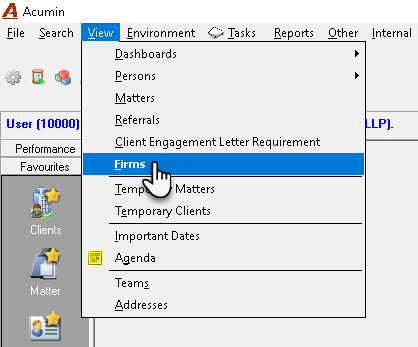
Click on the View – Firms option;
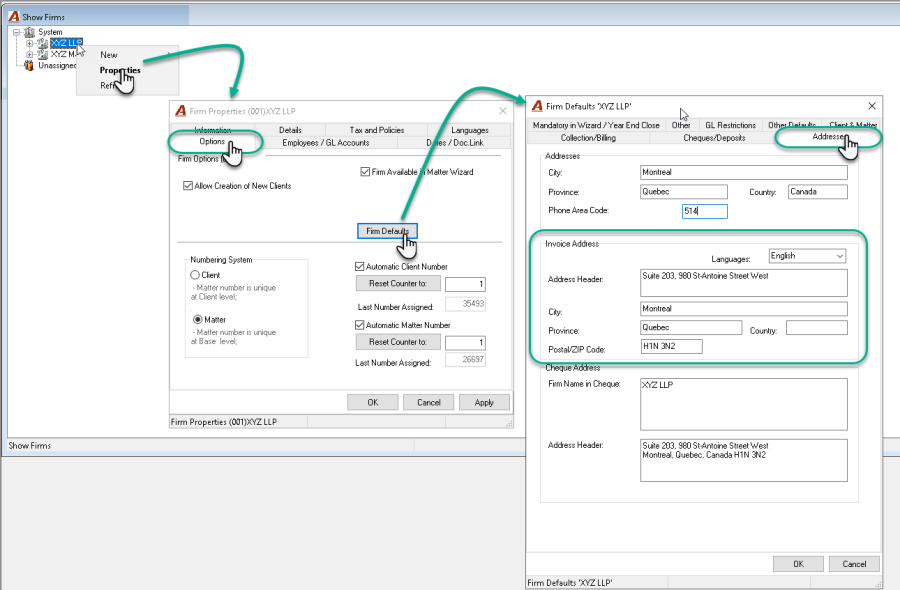
2.In the Show Firm form, highlight the firm;
3.Right click and select the "Properties" option in the contextual menu;
4.Click on the Option tab and press the Firm Defaults button;
5.In the Firm Defaults form, click on the Addresses tab;
6.In the Invoice Address section, modify the content of the fields per language if needed.
-
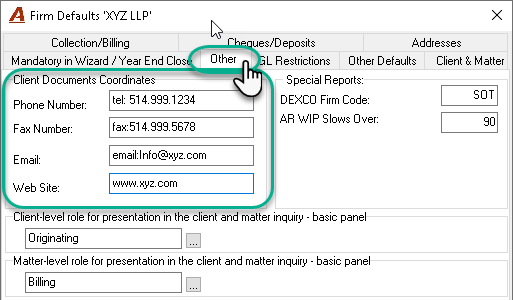
Click on the Other tab;
-
In the Client Documents Coordinates section, modify the content of the fields.
Invoice:
Remittance Slip
Trust Statement *
Statement of accounts *
For clients using an Acumin version prior to 2.0, please note that trust and/or statement of account templates may require updates by Dexco in order for address modifications to function correctly.
If you believe this applies to your situation, please contact Dexco for further assistance.