.png)
Print-List View to Excel Default
Set Up
The print-list view option available on right-click contextual menus of most list views, can be set to go to excel as a default on a user-by-user basis from within the user default forms.
Access
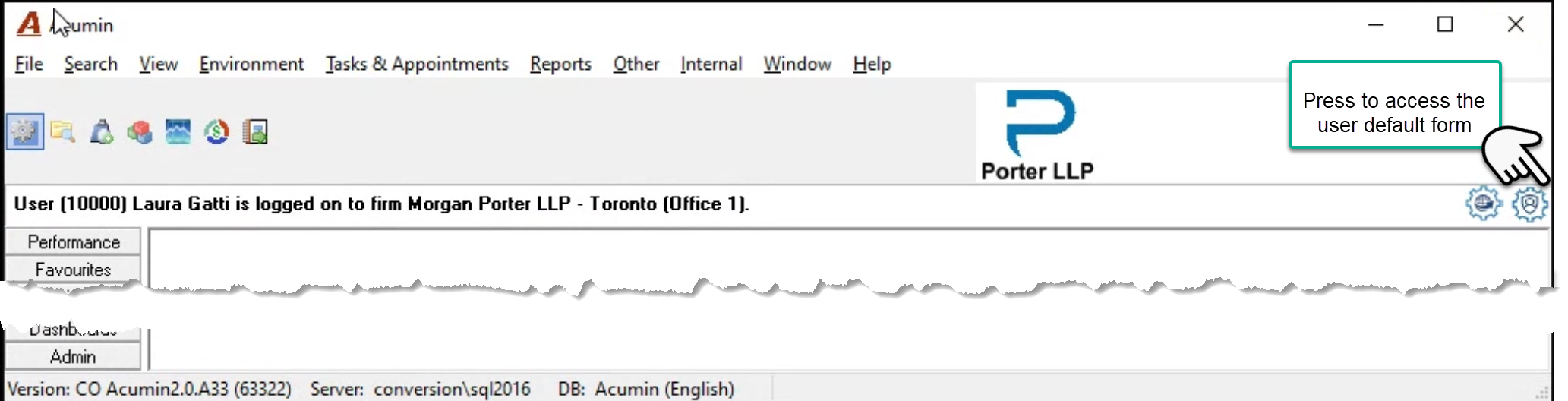
Close all the open forms and press on the right most icon to launch the user default form. Navigate to the general tab.
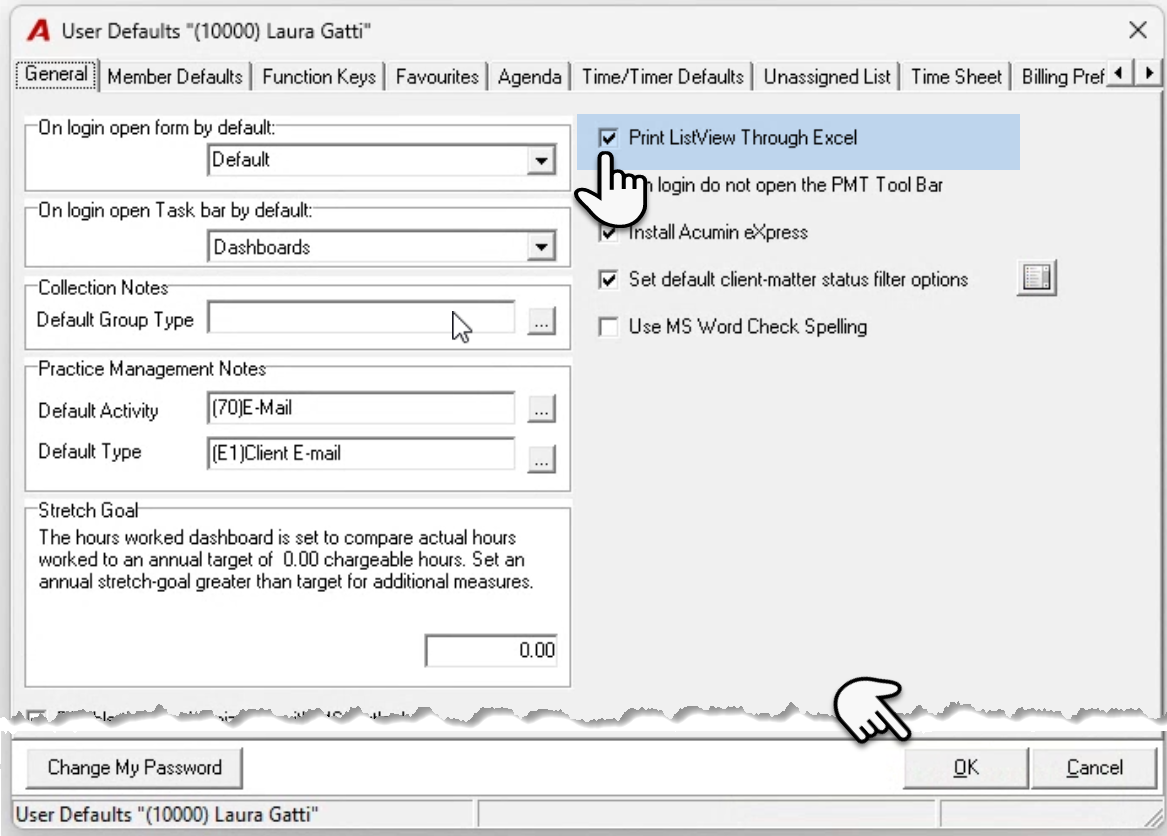
Checkmark the check-box option “Print ListView Through Excel” and press OK to accept, save and exit.
Change Default Position
Press on the “Print ListView Through Excel” menu selection found within the “Other” main menu bar option, to change the default presentation of the print list view (Excel or Report), for the current Acumin session. Once the user logs out on relogging the default set in user preferences will prevail.
